Best Tattoo App in 2026: 6 Apps and Tools Compared
Summary
The best tattoo app depends on the job. InkHunter wins on iPhone for its live AR try-on, Inke is our pick for designing a flash and previewing it on your skin in one flow, and Tattoodo is the app for booking a real tattooer. BlackInk AI has the widest toolbox, Ink Studio AI sells one-off passes, and Tattoo AI by HubX covers Android. We compared six on price, platform, try-on and artist handoff, and we disclose that Inke is our own product.
Six tattoo apps and tools compared on price, platform, try-on and handoff to your tattooer, with our pick named and the trade-offs of each one stated plainly.
At-a-glance
| InkHunter | Inke | Tattoodo | BlackInk AI | Ink Studio AI | Tattoo AI (HubX) | |
|---|---|---|---|---|---|---|
| Entry price | Free download with in-app purchases, premium tiers from $6.99 to $59.99 on the App Store | EUR 9 one-time (Single pack), EUR 19 Session pack, Parlour plan EUR 49 a month for shops | Free for clients; the paid Artist Pro ($29.99) and Studio Pro ($79.99) plans are for tattooers | Free tier with 3 credits; Pro from $15 a month, or $72 a year | One free generation, then one-time passes from $12.99 (7 days) to $23.99 (30 days) | Free to download with ads and in-app purchases; subscription billed through the store |
| Where it runs | iPhone and iPad app (App Store listing verified) | Browser only, no native app | iPhone, iPad and web; the listing asks for iOS 18 or later | Browser only, no dedicated mobile app | Browser only | iOS and Android apps (5M+ Google Play downloads) |
| Try-on on your body | Live augmented reality through the phone camera, the strongest here | Photorealistic try-on on your own photo, in the same flow as the design (3 try-ons in the Single pack) | None for designs; it is a booking and inspiration app | Body placement preview, limited on the free tier and unlimited on Pro | Virtual try-on tool, drawn from a limited pool of Premium credits | AR preview on arm, hand, back or leg |
| Free access | Free to download, but paywall prompts show up quickly | None. Credit packs only, so the first idea is paid | Fully free for clients | 3 credits, locked or watermarked images, designs public and deleted after 30 days | One free generation per new account, sign-in required, no card | Free to install and try, with ads; full use needs a subscription |
| Handoff to your tattooer | Share the on-skin preview; popular with artists in consultations | Export kit for the artist on the Session pack, artist-ready PDF on Parlour | Message the artist in the app, send reference photos, book and pay deposits | Stencil converter plus coverup and gap-filler tools | Image-to-tattoo conversion and style transfer, plus a size calculator | Stencil export to take to your artist |
| Public store rating | 4.7 from about 25K App Store ratings | No store listing, so no public rating to cite | 4.7 from about 7.2K App Store ratings | No store rating; the site claims 1.5M+ users and 10M+ designs | No store rating; it publishes about 37,000 tattoos from 45,000 creators | 3.9 from about 270K Google Play reviews |
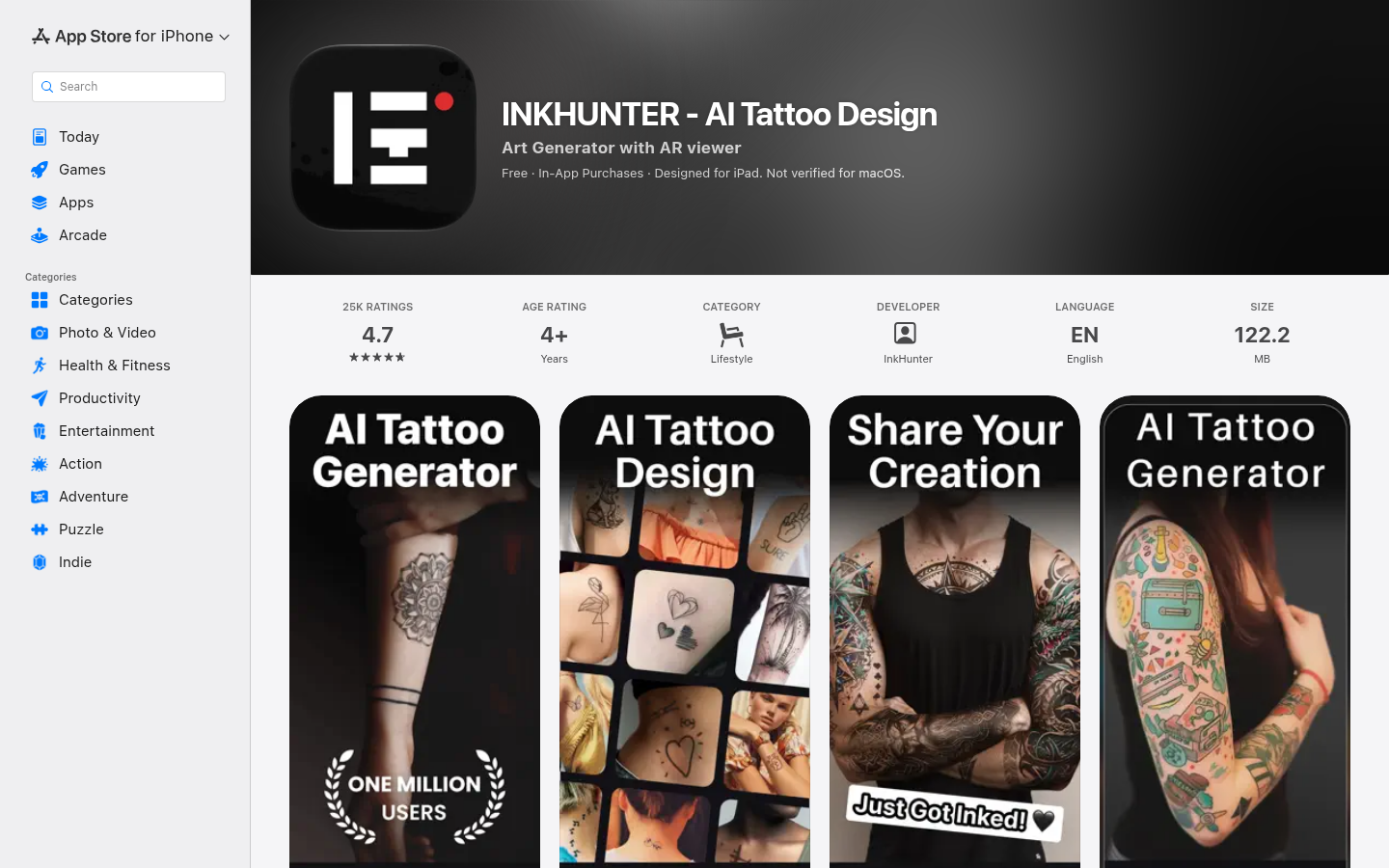
InkHunter
- Live AR try-on through the camera is the closest thing to a real preview
- 4.7 average from about 25K App Store ratings, with a long track record in this category
- Gallery of 10,000+ designs plus AI generation from a text description
- Working tattooers use it in client consultations
- Recent reviews say the AI update removed editing controls such as opacity and rotation
- The App Store listing we verified covers iPhone and iPad only, with no web version
- Weekly subscription prompts, around $6.99 a week in some regions, are easy to trigger by accident
The best phone app here when placement is your open question, as long as you watch the paywall.
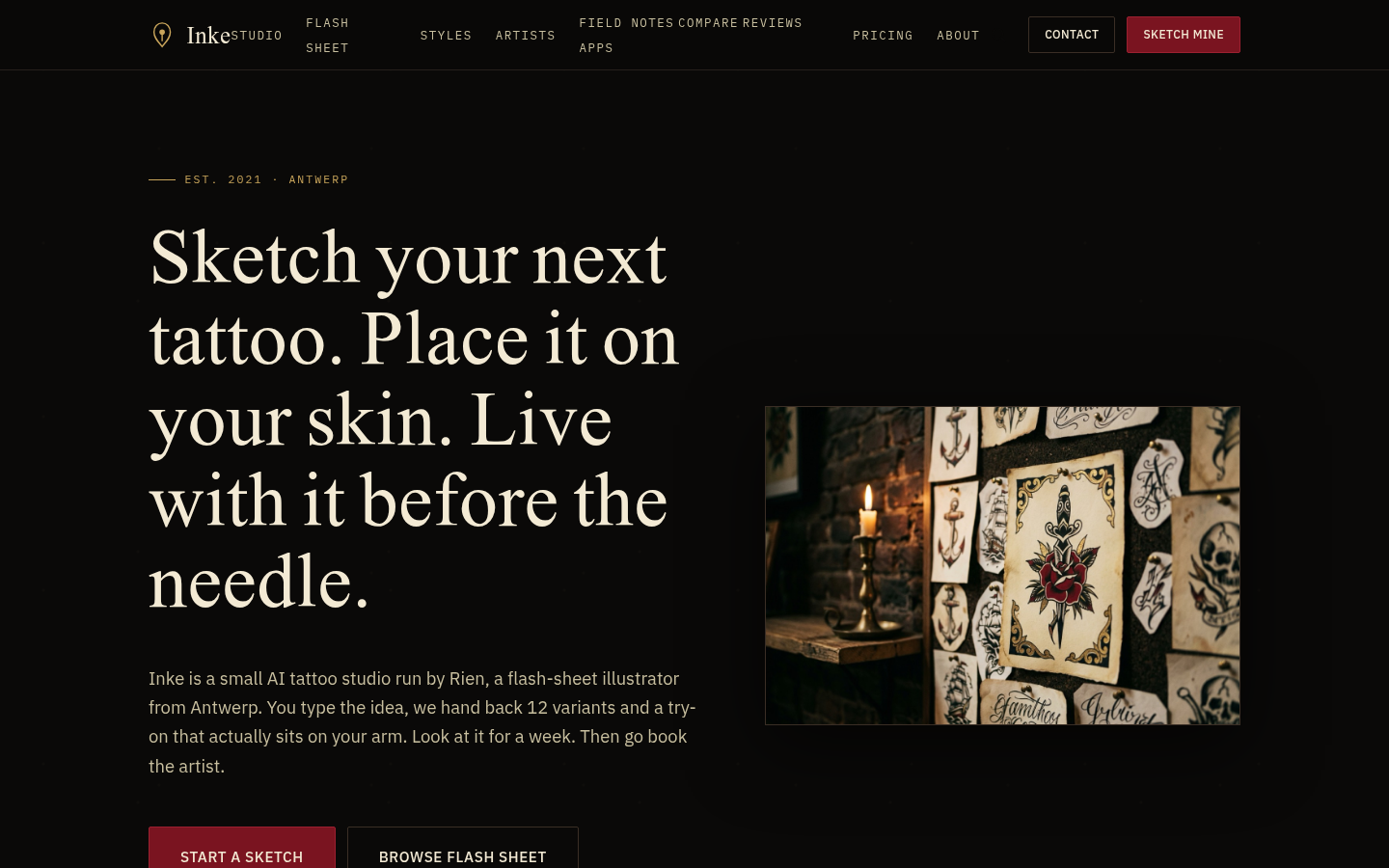
Inke
- A full flash sheet of variants and a photorealistic try-on come from a single upload
- Trained on flash sheets drawn by a working tattooer in Antwerp, not generic stock art
- Skin photos are wiped within two hours and never used for training, per the product's policy
- One-time packs mean no subscription to forget about
- No free tier, so even casual browsing costs money from the first idea
- Browser only, with no native app, which matters in a roundup of apps
- Smaller style library than the largest generalists, 10 styles against BlackInk's 28
Best when the design and the skin preview must live in one tool. We make it, so weigh that ranking accordingly.
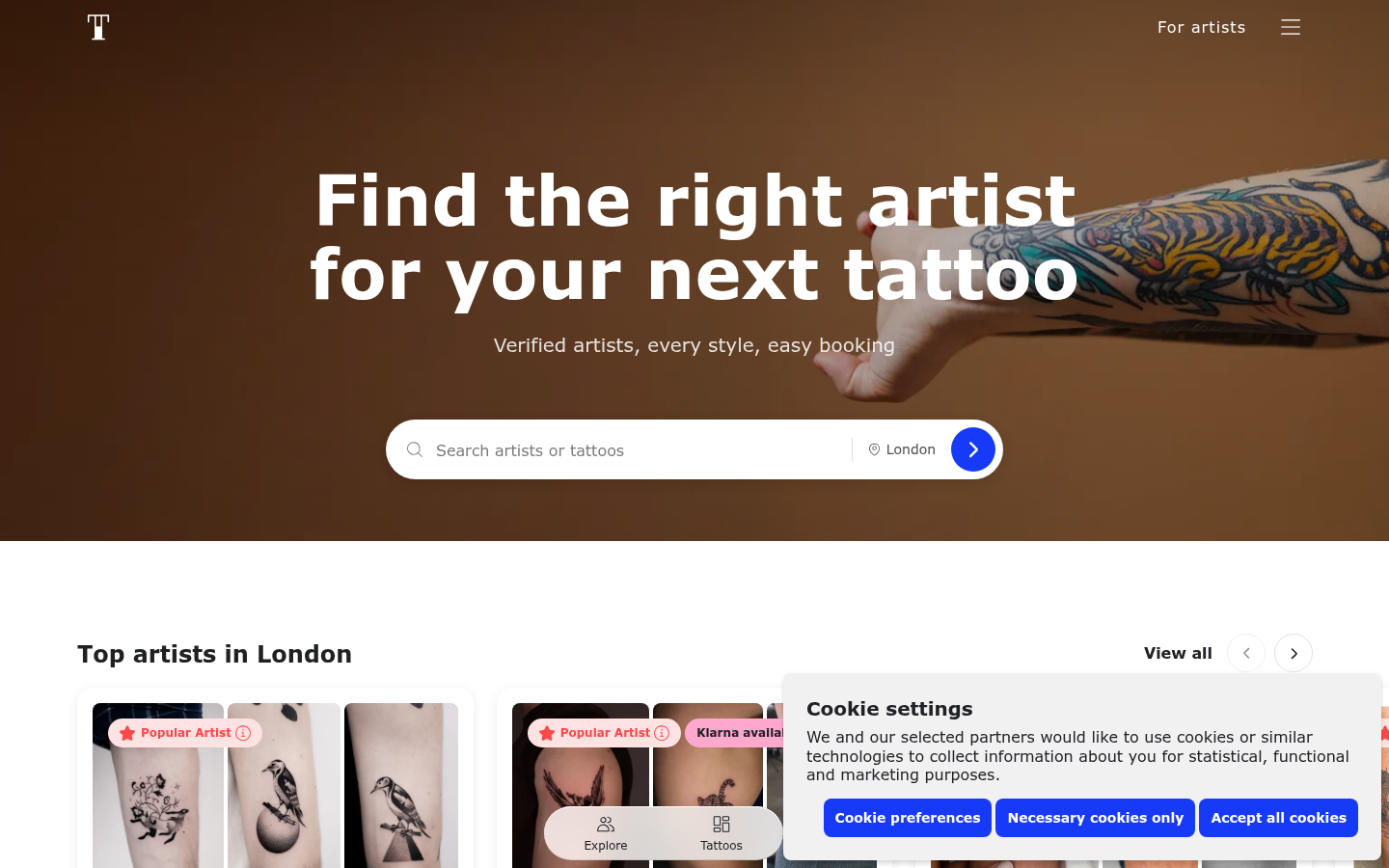
Tattoodo
- Free for clients, with artist profiles, portfolios and client reviews
- Filters for city, style and budget, plus an Artist Finder that matches you from reference photos
- Booking with secure payments and financing options, and chat inside the app
- 4.7 average from about 7.2K App Store ratings
- It does not generate or preview designs, so it solves a different problem than the others
- Some App Store reviewers report weak matches, with several suggestions from one studio
- The App Store listing needs iOS 18 or later, which excludes older phones
The app to open after you have a design and need a human to ink it.
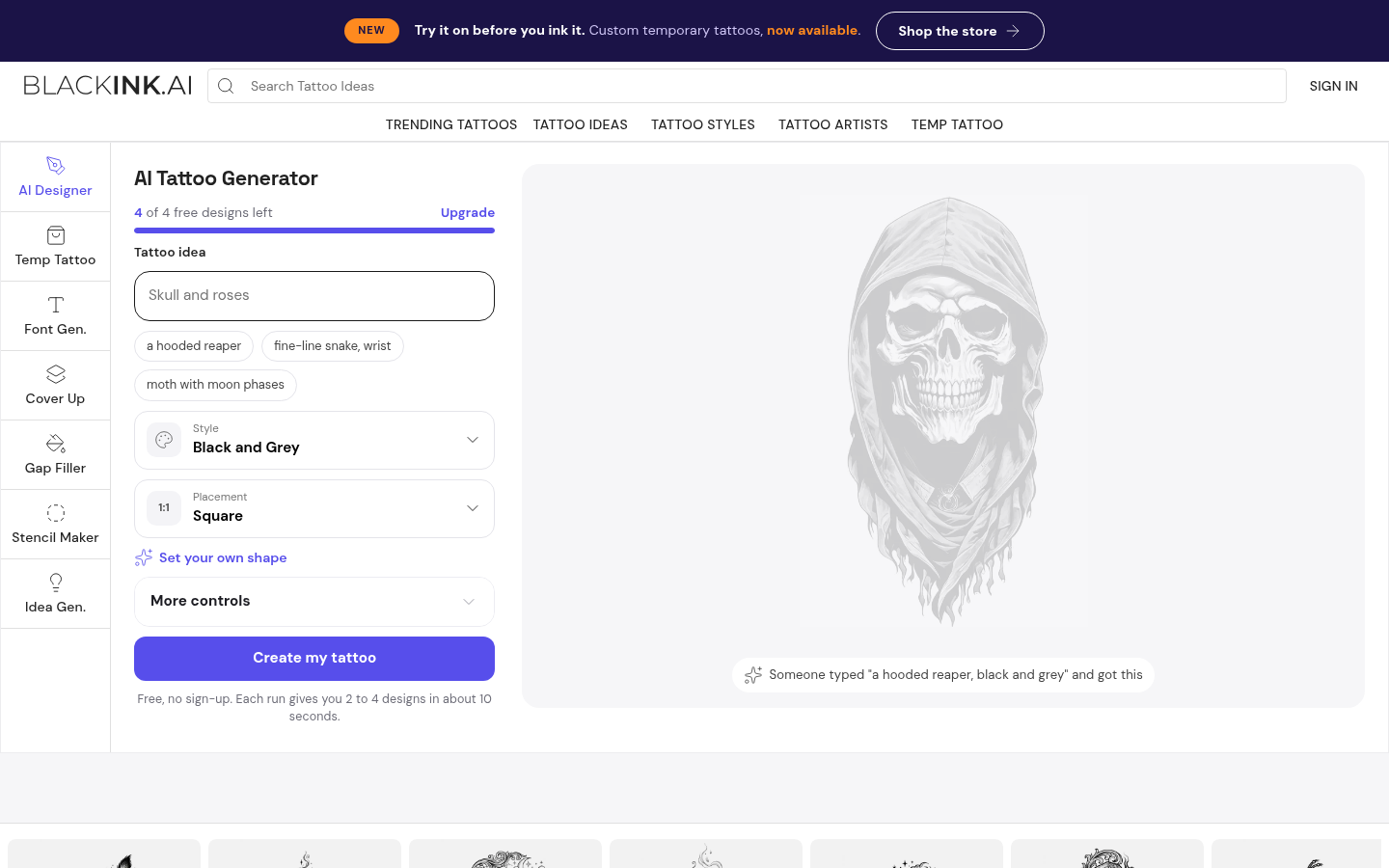
BlackInk AI
- 28 tattoo styles, including niche ones like ignorant and chicano
- Stencil converter turns an uploaded design into a print-ready stencil
- Coverup and gap-filler tool for extending or hiding an existing tattoo
- Unlimited placement visualization and 4x super-resolution downloads on Pro
- The free tier is thin: one placement preview, locked images and public designs
- The full toolset needs the $15 a month Pro plan or an annual commitment
- No mobile app, so you work in a phone browser
The widest toolbox here, with the best answer for coverups, if you accept a browser.
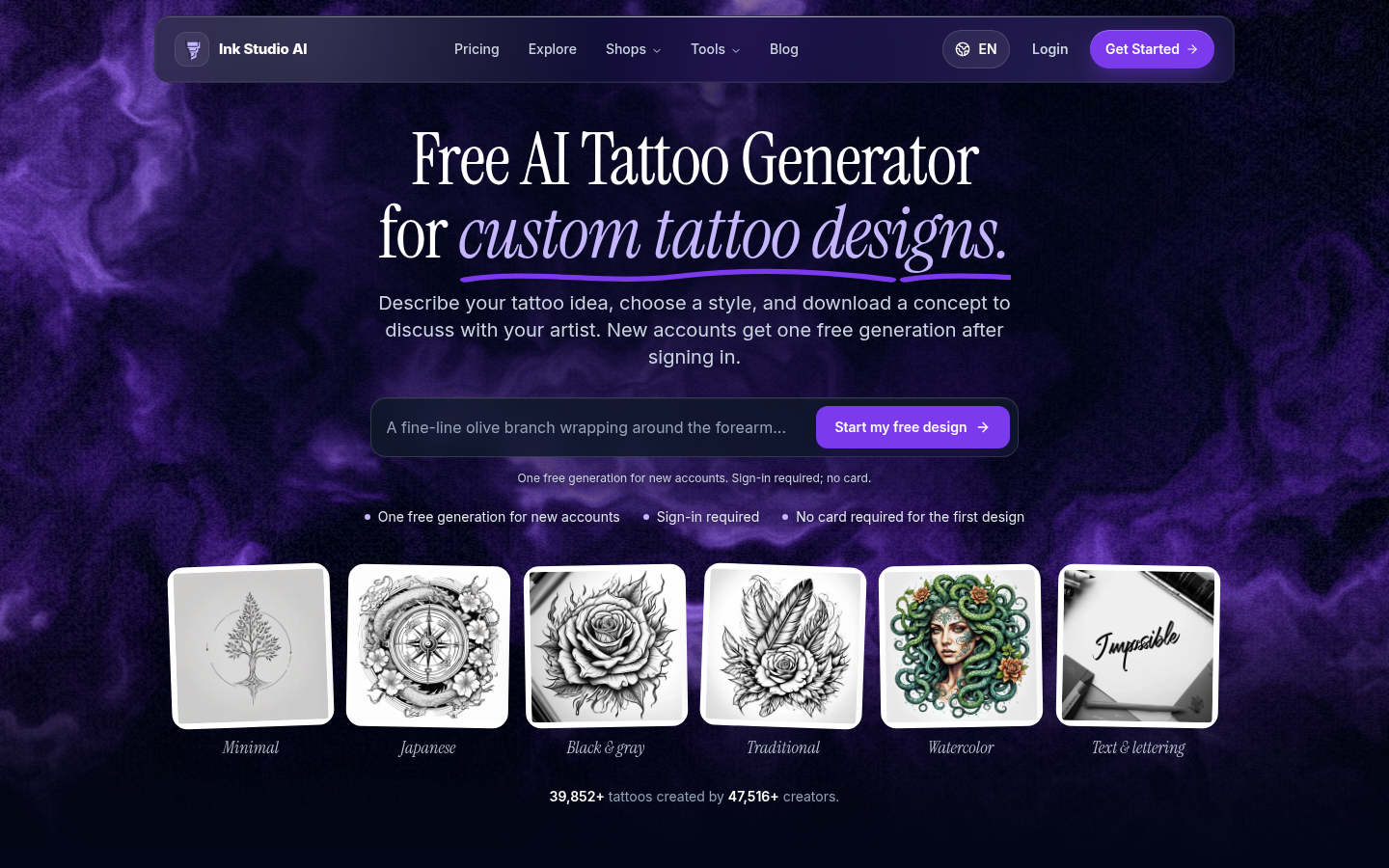
Ink Studio AI
- One-time access passes instead of a recurring subscription
- Bundles text generation, image-to-tattoo, style transfer and a virtual try-on
- Also offers a tattoo size calculator and a font generator
- Unlimited text-to-tattoo generation while a pass is active
- Smaller user base, about 37,000 tattoos for 45,000 creators in published figures
- Premium credits for the image tools run out fast even on paid passes
- No recurring free tier: after the first generation every session needs a purchased pass
A fair short-burst option if you hate subscriptions and mostly want text generation.
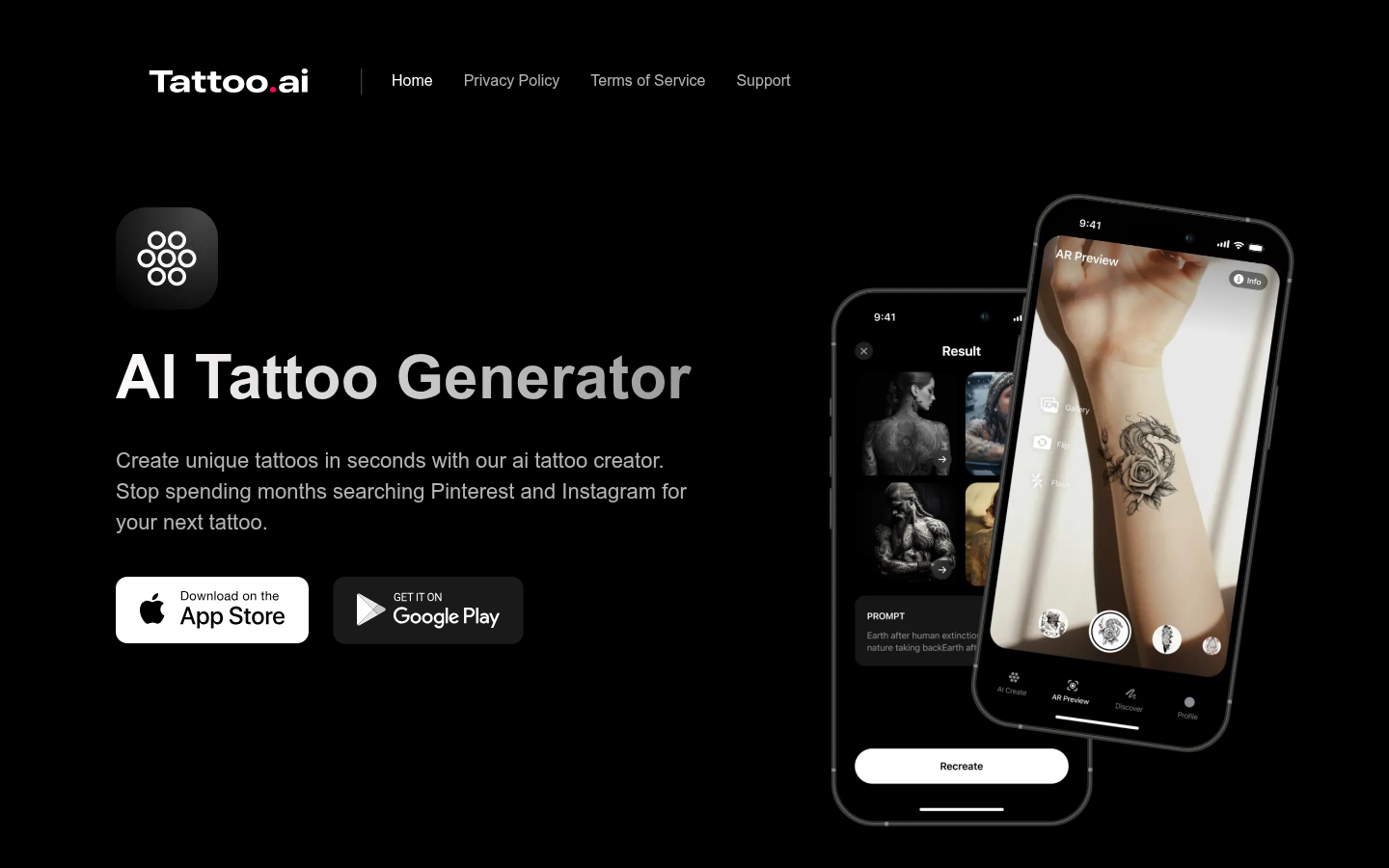
Tattoo AI (HubX)
- Available on both iOS and Android, with 5M+ Google Play downloads
- Text-to-tattoo across many styles, from blackwork and fine line to Japanese and tribal
- AR preview of the design on your arm, hand, back or leg
- Stencil export you can hand to your artist
- The Google Play rating is 3.9 from about 270K reviews, the lowest here
- Several reviewers report problems cancelling subscriptions and ignored negative prompts
- The data safety listing says photos and videos may be shared with third parties
Convenient on Android, but read the subscription terms before you tap Continue.
Verdict
InkHunter is the best tattoo app for most people on an iPhone, because its live AR try-on shows how a design sits on your body before any ink is real. Inke is the pick when you want the design and a photorealistic skin preview in one place, with the caveat that we make it. Tattoodo is the one to open after you have a design and need a real tattooer. None of them replaces the person with the needle.
How we tested
We compared six tools between October and November 2026 using each product's public listing, pricing page and store reviews, and we tested Inke ourselves because we build it. For every app we recorded entry price, platform, try-on method, free access, how the design reaches your tattooer, and the public store rating where one exists. We screenshotted each home page ourselves. Prices were read from official pages on the date of research and can change. Scores are our editorial judgment on a 0 to 5 scale and are not an average of store ratings. No tool paid for placement, and Inke, our own product, is ranked second on purpose.
The best tattoo app is InkHunter if you own an iPhone and want to see a design on your body in real time. Inke comes second for people who want a design and a photorealistic try-on in one flow, though we build it and say so up front. Tattoodo is the app to open once the idea is settled and you need a human artist. BlackInk AI, Ink Studio AI and Tattoo AI by HubX fill the generator niche, each with a catch.
What "best tattoo app" actually means
Search for a tattoo app and you get three very different products under one label. Some generate designs from a text prompt. Some project a design onto your skin through the camera. A few help you find and book a tattooer. Most roundups mash them together and rank them on star ratings alone.
That is why this list is a ranking by job, not a single leaderboard. A generator cannot book your appointment, and a booking app will not draw you a dragon. We kept all three kinds in, said which is which, and scored each against what it is actually for.
How we ranked them
We looked at six criteria: entry price, where the product runs, how it handles try-on, what you get for free, how the design reaches your tattooer, and the public store rating where one exists. We left out general drawing apps like Procreate, because they need drawing skill and are not tattoo-specific. If you draw, you already know what to use.
One caution on ratings. A 4.7 on the App Store and a 3.9 on Google Play are different audiences and different stores, so we read them as signals, not as a scoreboard. Our scores on the 0 to 5 scale reflect the whole picture, including pricing behavior and handoff.
Which app suits which situation
You are still choosing placement. Go to InkHunter. Pointing your phone at your forearm and watching the design track your movement answers questions a flat mockup cannot, like how a piece wraps around a curve. It is the closest thing to a real preview, and it is why it ranks first.
You want to explore designs and see them on your own photo. Inke generates a flash sheet of variants from one upload and then shows a photorealistic try-on on your skin photo. It is a browser tool, so you will not find it in an app store, and it has no free tier. In exchange you get one-time packs instead of a subscription.
You have the design and need a tattooer. Open Tattoodo. It lists verified artists by city, style and budget, lets you send reference photos through the Artist Finder, and handles booking and deposits. Treat the matching with some skepticism: a few reviewers say the suggestions clustered in one studio. Check any artist's healed work before you book, in the app or off it. If your tattooer cannot show you healed pieces, find another one.
You need stencils or a coverup plan. BlackInk AI is the toolbox. Its stencil converter and coverup tool are the reason to pay for Pro, and 28 styles is the widest range here. It runs in a browser, so plan to use it on a laptop or a phone browser.
You hate subscriptions. Ink Studio AI sells time-limited passes at $12.99, $16.99 and $23.99. That suits one focused planning session. The catch is that image tools draw from a limited pool of Premium credits.
You are on Android. Tattoo AI by HubX has a store presence on both platforms and an AR preview. The 3.9 rating over about 270K reviews is a warning worth reading, especially the reports about cancelling subscriptions through the store.
What no app can do for you
Concretely, here is what the AI part cannot change. A generated design is a concept. It does not know your skin tone, how a line will blur after five years, or whether a detail is too small to hold. That is the work of a tattooer, and you need a human with a needle to finish it.
Use these tools to arrive at the consultation with something specific, not to skip it. Tattooers tend to appreciate a clear reference and a placement you have already tested. They do not appreciate a printout they are told to copy line for line.
Some themes also carry weight. Polynesian, Maori, Yakuza and religious symbols come with cultural meaning, and an AI generator will happily mix them without any of that context. Read up on what a symbol means before it goes on your body, and talk it through with an artist who works in that tradition.
Privacy, subscriptions and the fine print
Most of these tools ask for photos of your skin. Inke says it deletes skin photos within two hours and does not use them for training. Tattoo AI by HubX lists photos and videos among the data it may share with third parties on Google Play. Read the data section of any app before you upload a photo of your body.
Subscriptions are the other trap. InkHunter and Tattoo AI by HubX both draw complaints about paywall prompts and cancellation. Cancel through the store you subscribed in, set a reminder, and check the first charge. One-time passes, as at Inke and Ink Studio AI, avoid the problem but cost more up front if you keep generating.
Related tools worth knowing
If you only want a quick concept sketch, you may already have what you need. Canva's generator is a sketchpad, not a tattoo tool.
If you want a cheap annual plan and do not care about a skin preview, TattoosAI is thin but inexpensive, though it has no try-on and says so.
For a closer look at our own take on the generator side, see our comparison of the best tattoo generators.
Final word
If you pick one app, pick by your open question. Placement unsolved: InkHunter. Design unsolved: Inke or BlackInk AI. Artist unsolved: Tattoodo. Then book a consultation, show the preview, and let the person with the needle tell you what survives contact with skin.