Best Tattoo Generator in 2026: 6 AI Tools Compared
Summary
The best tattoo generator depends on the job. Inke wins for designing a flash and previewing it on your own skin in one flow, BlackInk AI has the widest toolbox and a real free tier, and InkHunter has the best live AR try-on on iPhone. Ink Studio AI suits a one-off session, Canva is a sketchpad, and TattoosAI is cheap but thin. We compared six tools on price, try-on, styles and artist handoff. Inke is our own product, so we say so up front.
Six AI tattoo generators compared on price, skin try-on, style range and artist handoff, with a disclosed pick and the trade-offs of each one.
At-a-glance
| Inke | BlackInk AI | InkHunter | Ink Studio AI | Canva AI Tattoo Generator | TattoosAI | |
|---|---|---|---|---|---|---|
| Entry price | EUR 9 one-time (Single pack); EUR 19 Session pack; Parlour plan EUR 49 a month for shops | Free tier with 3 credits; Pro from $15 a month, or $72 a year | Free download with in-app purchases from $6.99 up to $59.99 on the App Store | One free generation, then one-time passes from $12.99 (7 days) to $23.99 (30 days) | Free with limited generations; Canva Pro from $12.99 a month billed annually | $14.99 a month, or $4.99 a month billed yearly; a few free designs to start |
| Free access | None. Credit packs only, so the first idea is paid | 3 credits, watermarked and locked images, designs public and deleted after 30 days | Free to download, but paywall prompts appear fast | One free generation per new account, sign-in required, no card | Yes, a limited number of Magic Media generations on a free account | Short trial on signup, then a subscription |
| Try-on on your skin | Photorealistic try-on on your own photo, in the same flow as the design (3 try-ons in the Single pack) | Body placement visualization, limited to one preview on the free tier and unlimited on Pro | Live augmented reality try-on through the phone camera, the strongest of the group | Virtual try-on tool included, drawn from limited Premium credits | No AI try-on; you build a mockup yourself with layers and background removal | None. The site says placement preview is still in development |
| Style range | 10 styles, from traditional and blackwork to irezumi and botanical | 28 styles, including niche ones like ignorant and chicano | 10,000+ gallery designs plus AI generation from a text description | Text-to-tattoo, image-to-tattoo and style transfer | General image styles (sketch, ink print, minimalist, digital), none tattoo-specific | 18+ styles, including geometric, watercolor, dotwork and Japanese |
| Tools for the artist handoff | Export kit for the artist on the Session pack; artist-ready PDF pack on Parlour | Stencil converter, cover-up tool, gap filler, 4x download on Pro | Often used by working artists to show clients placement and scale | Size calculator and tattoo font generator as separate tools | Full photo editor, but no stencil export | Cloud storage of past designs; no stencil maker or size calculator |
| Platform | Browser, no native app | Browser, no dedicated mobile app | iOS app (iPhone and iPad) | Browser | Browser plus Canva's mobile apps | Browser |
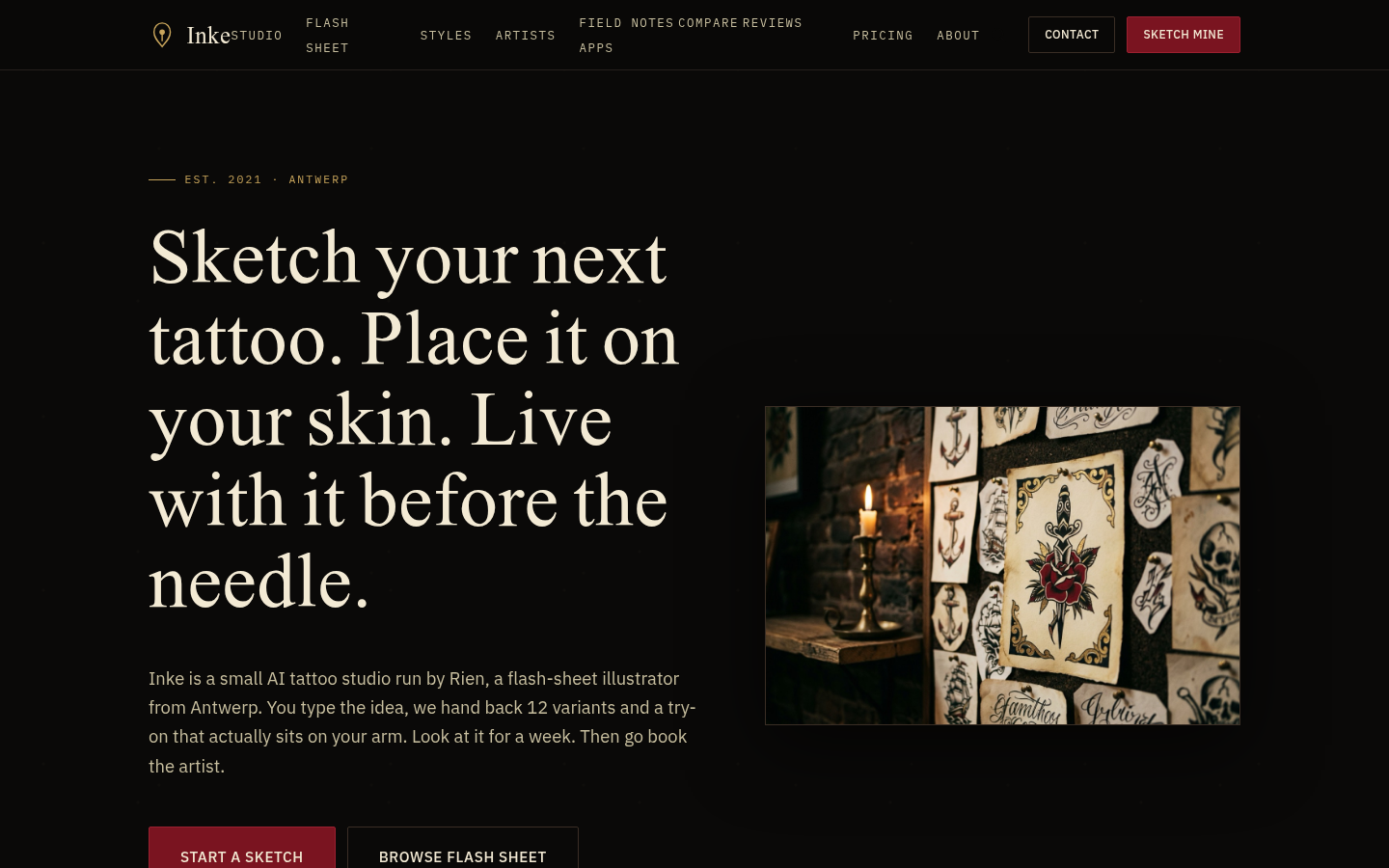
Inke
- Flash variants and a photorealistic try-on come from a single upload, no second tool needed
- Trained on flash sheets drawn by a working tattooer in Antwerp, not generic stock art
- Skin photos are wiped within two hours and never used for training, per the product's own policy
- One-time packs mean no subscription to forget about
- No free tier, so even casual browsing costs money from the first idea
- Browser only, with no native mobile app
- Fewer styles than the largest generalist generators (10 versus BlackInk's 28)
Best when you want the design and the skin preview in one flow. Note that we made it, so weigh our pick accordingly.
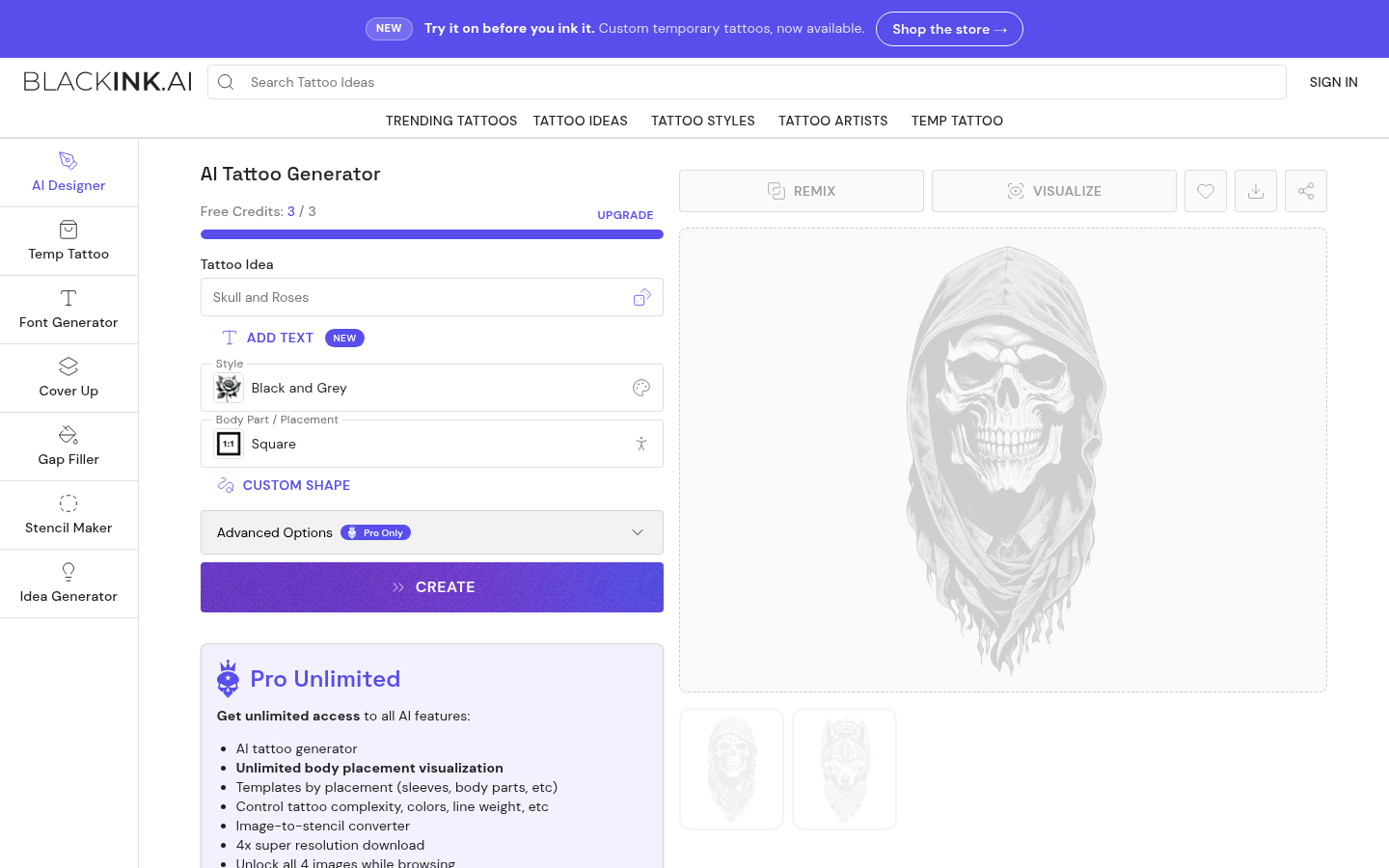
BlackInk AI
- 28 styles, including niche ones most generators skip
- Stencil converter turns an uploaded design into something an artist can use
- Cover-up and gap-filler tools for extending or hiding existing work
- A real free tier with 3 credits lets you test before paying
- Free output is watermarked or locked, and free designs are public and deleted after 30 days
- The full feature set sits behind the $15 a month Pro plan
- Browser only, with no dedicated mobile app
The most complete toolbox here, and the strongest runner-up if you want extras around the design.
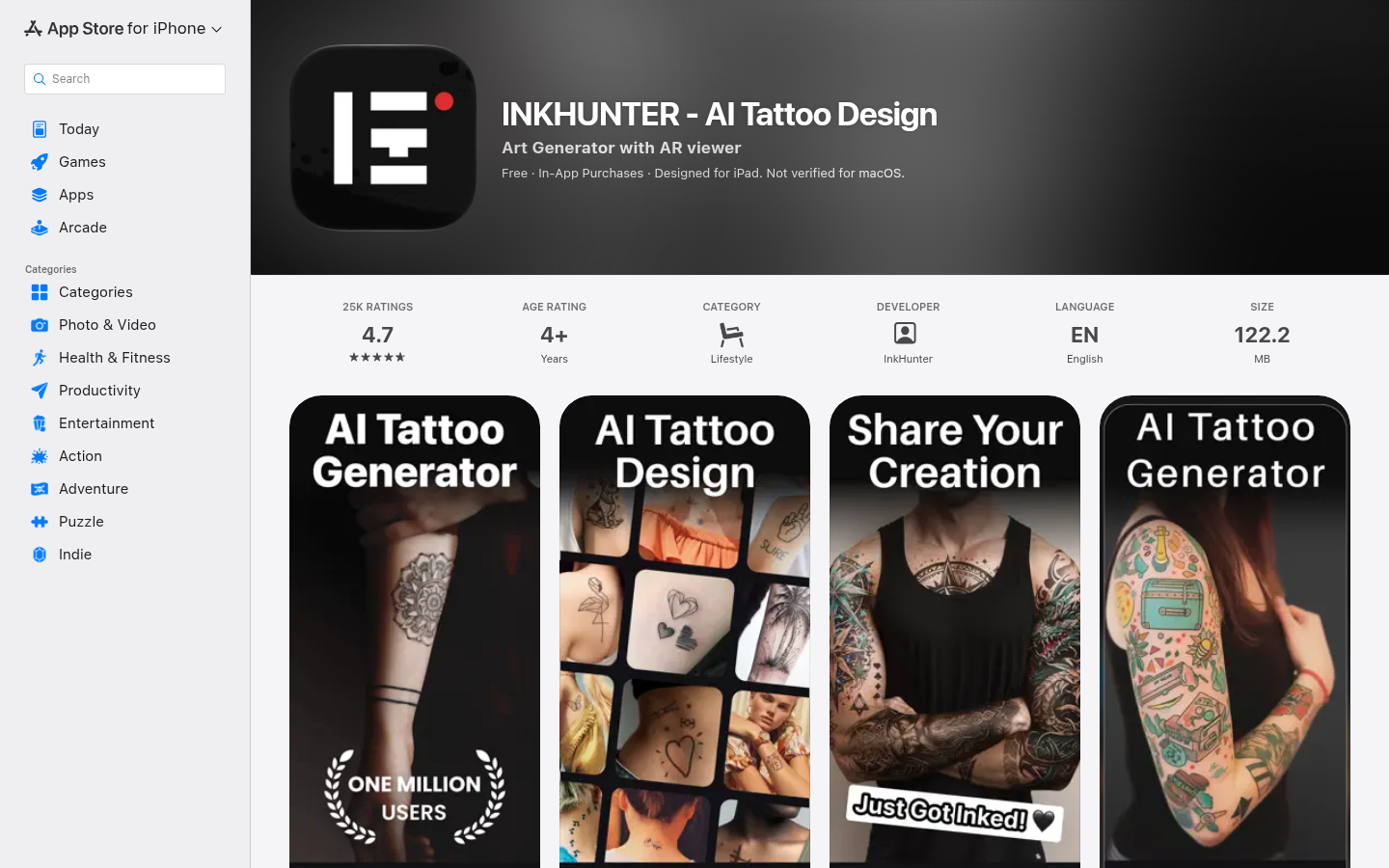
InkHunter
- Live AR try-on through the camera is the closest thing to a real preview
- 25K App Store ratings at a 4.7 average, a long track record for this category
- Gallery of 10,000+ designs plus AI generation from text
- Used by working tattoo artists in client consultations
- Recent reviews say the AI update removed editing controls such as opacity and rotation
- iOS only, with no web or Android version
- Weekly subscription prompts (around $6.99 a week in some regions) are easy to trigger by accident
Still the best live preview for placement, if you accept the iPhone-only app and its aggressive paywall.
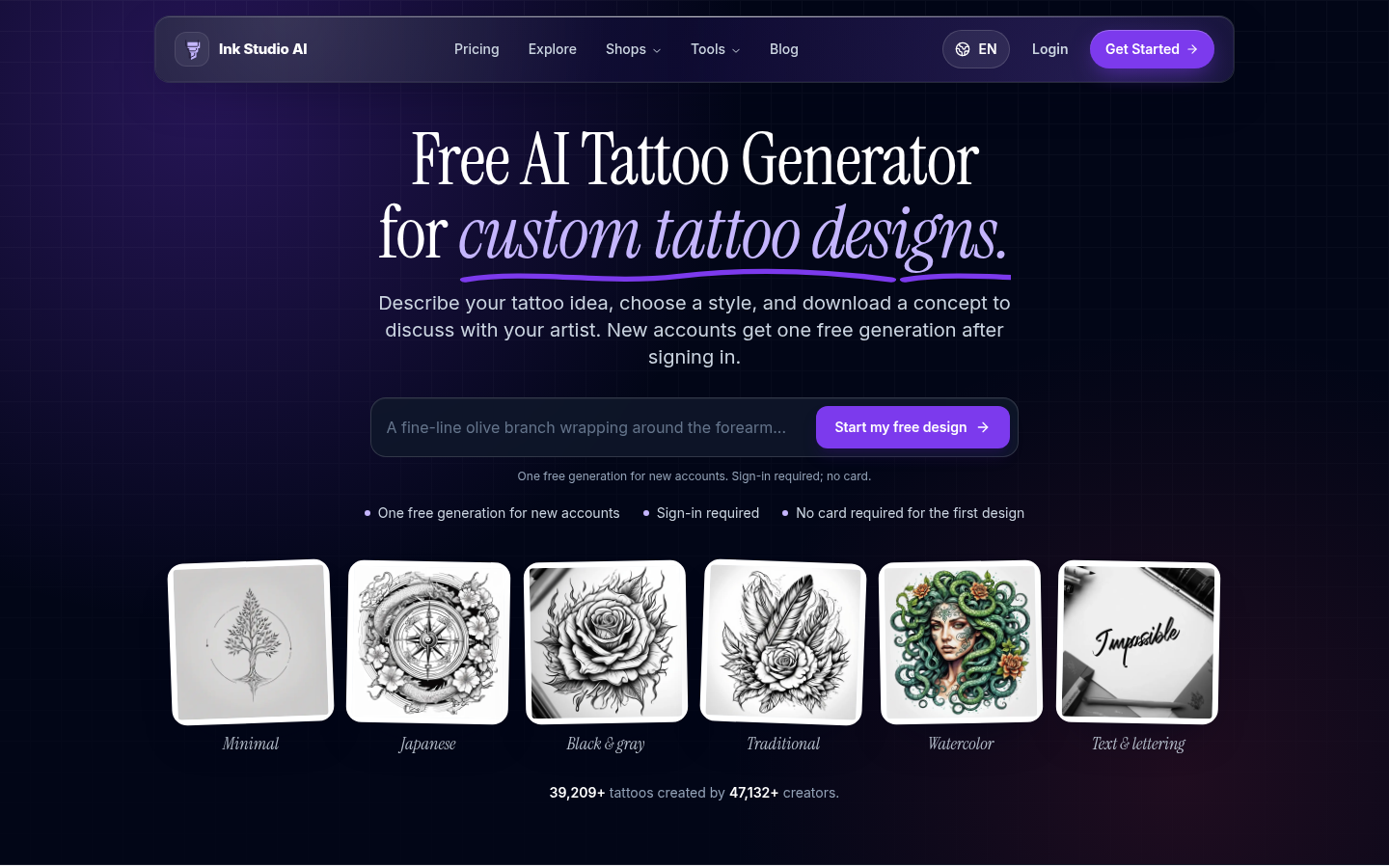
Ink Studio AI
- One-time access passes instead of a recurring subscription
- Bundles text-to-tattoo, image-to-tattoo, style transfer and a try-on tool
- Size calculator and font generator cover planning steps other tools skip
- One free generation to check the output before paying
- Premium credits for image tools are limited even on a paid pass, so heavy image work runs out fast
- Smaller user base than the category leaders, with thin public review data
- No recurring free tier; after the first generation every session needs a purchased pass
A sensible one-weekend tool if you hate subscriptions, but watch the credit limits.
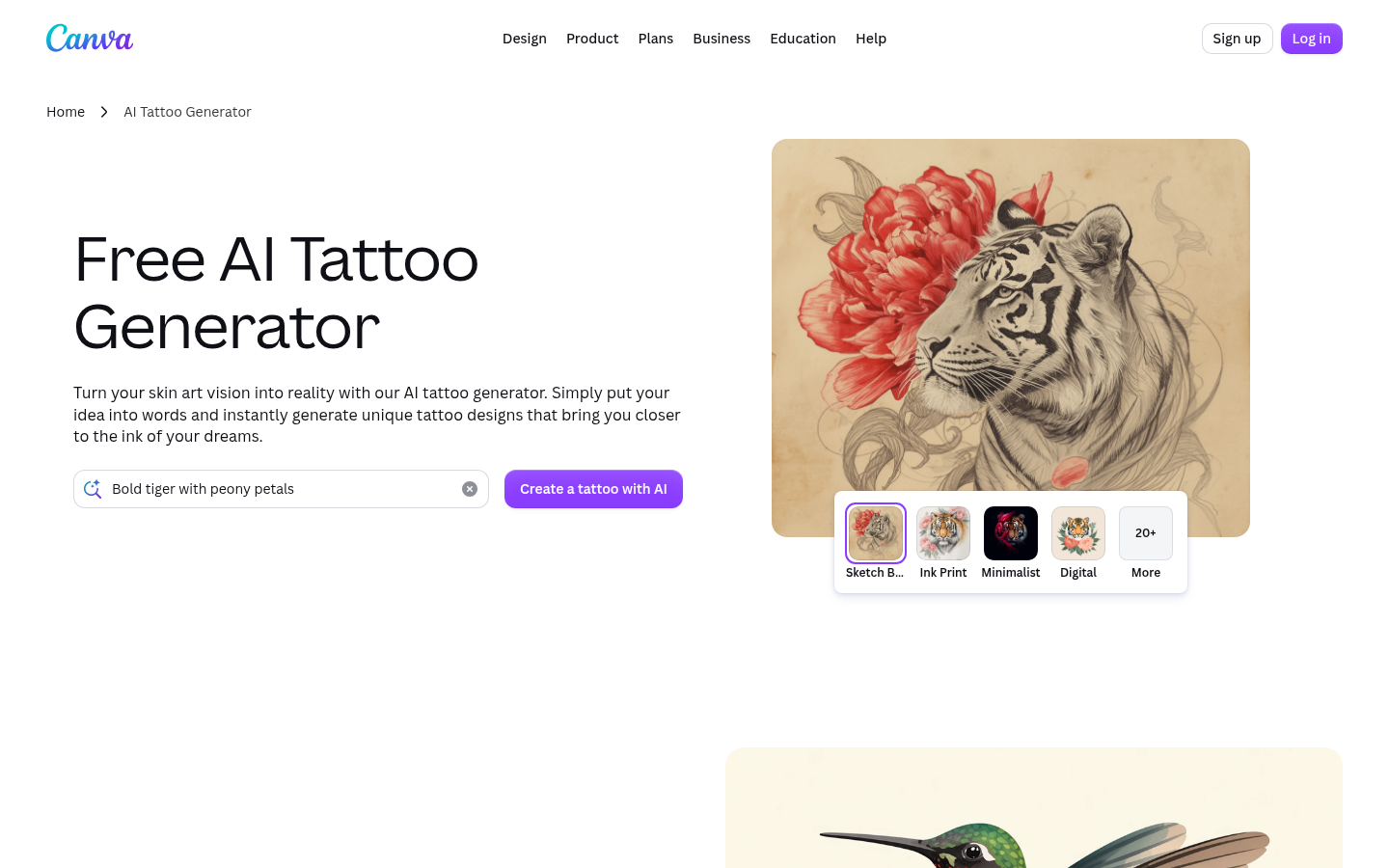
Canva AI Tattoo Generator
- Nothing new to sign up for if you already use Canva
- Full editing suite (Magic Edit, Magic Eraser) to refine the output
- Free to start, with Pro unlocking higher limits
- Millions of stock elements for lettering or borders around a design
- Not tattoo-specific: no tattoo styles, stencil export or placement engine
- No AI try-on, so any skin preview is a manual layering job
- Canva says it does not guarantee AI output is clear of third-party copyright
Fine for a mood sketch, not a tattoo workflow. Use it to brainstorm, then move to a dedicated tool.
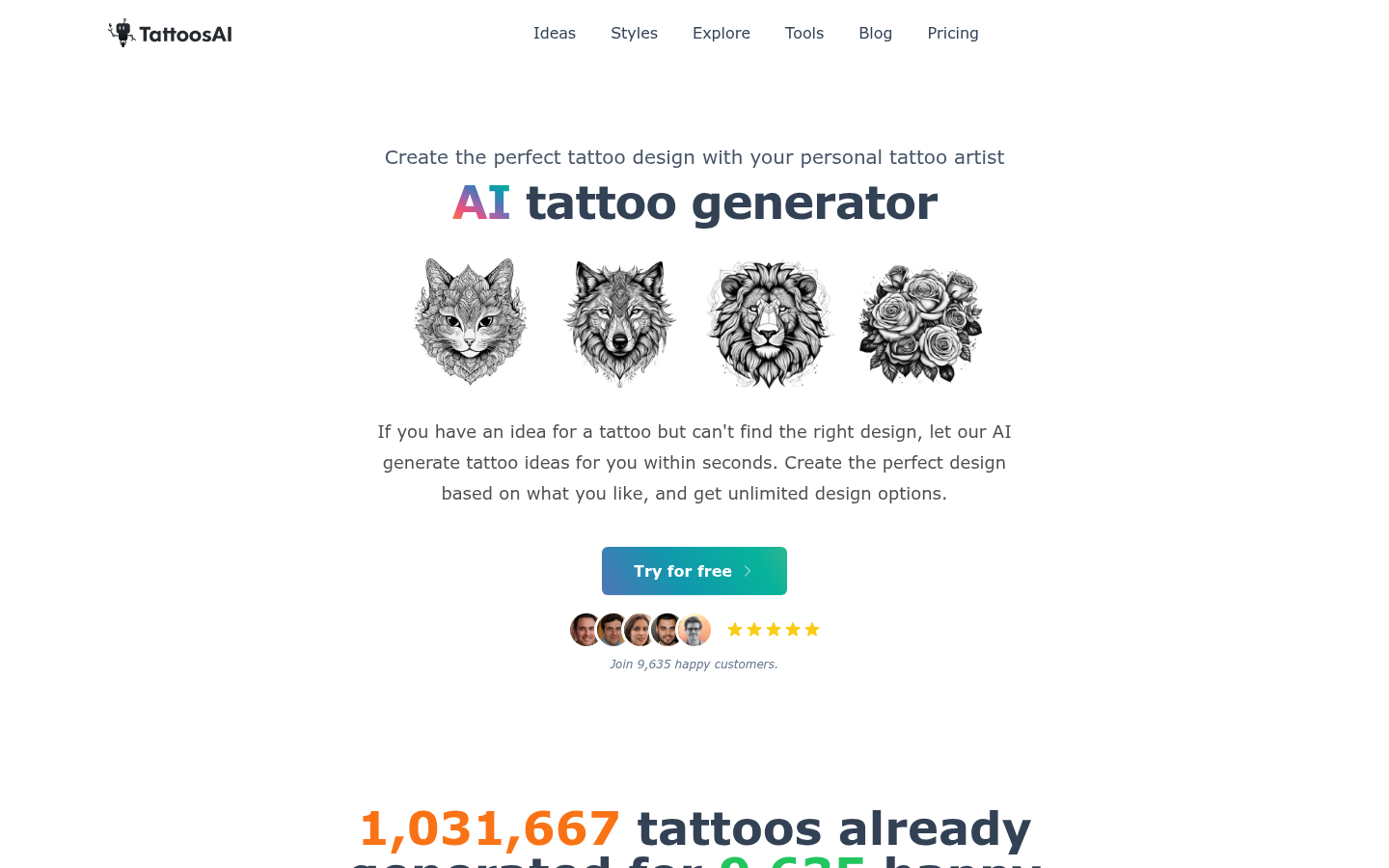
TattoosAI
- Simple text-prompt workflow across 18+ styles
- Unlimited designs on paid plans, with permanent cloud storage
- The yearly plan works out to $4.99 a month, the lowest recurring price here
- No try-on or placement preview at all; the site says it is still in development
- Trustpilot score of 2.6 from only 4 reviews, with complaints about cancelling subscriptions and refunds
- No stencil maker or size calculator, unlike BlackInk or Ink Studio AI
Cheap on paper and thin on tools. Read the refund terms before you subscribe.
Verdict
If you want the design and the skin preview in one flow, Inke is our pick, with the caveat that we built it. If you want the biggest toolbox and a real free tier, go with BlackInk AI. If placement on a moving body is what worries you, InkHunter's live AR is hard to beat on iPhone. Whichever you choose, treat the output as a brief for a human tattooer, not a finished piece.
How we tested
This is desk research, not a hands-on lab test. Between 1 and 9 October 2026 we read each tool's public pricing page, home page and store listing, captured a screenshot of each, and checked outside review sources where they existed: the App Store (InkHunter, 4.7 from 25K ratings) and Trustpilot (TattoosAI 2.6 from 4 reviews, Ink Studio AI one review). Several tools have almost no public review data, and we say so rather than guess. We compared six things: entry price, free access, try-on, style range, tools for the artist handoff, and platform. The scores out of 5 are our editorial judgment from those published specs, not user ratings. Disclosure: inke.app is our own product and it is on this list. We ranked it first for one specific job (design plus skin preview in one flow) and gave BlackInk AI a score within a tenth of a point because it beats us on style count, free access and artist tools. Prices and features change often; check each pricing page before you pay.
Verdict: Inke is our pick for the best tattoo generator if you want a flash design and a photorealistic skin preview in one flow. BlackInk AI is close behind with more styles, stencils and a free tier. InkHunter owns live AR try-on on iPhone. We built Inke, so read that ranking with a raised eyebrow and check the criteria table.
What does a tattoo generator actually do?
It turns a text prompt into a design. That is the easy part, and nearly every tool here does it. The harder parts are what happens after: seeing the design on your body, adjusting the size, and handing something usable to a tattooer.
That split is how we sorted the six tools below. Some are generators first. Some are really planning tools with a generator attached. A few are general image makers that happen to rank for the keyword.
How we ranked the six tools
Price, free access, try-on, style range, tools for the artist handoff and platform. Those six criteria drive the table above and the ranking below. The scores are editorial, built from public specs and outside reviews, and the methodology section at the end spells out what we did and did not test.
One thing matters more than any score. No generator replaces the person with the needle. Every tool here gives you a concept. A tattooer decides what holds up on skin, at that size, in that spot, in ten years.
Quick picks by use case
Design and skin preview in one flow: Inke
Biggest toolbox, with stencils and cover-ups: BlackInk AI
Live AR preview on your phone: InkHunter
One-off planning session, no subscription: Ink Studio AI
A sketch inside a tool you already use: Canva
Cheapest recurring plan, minimal tools: TattoosAI
Which tool is best for a first tattoo?
If you have never been tattooed, the preview matters more than the style count. You want to see the thing at real size, in the real spot, before you commit. That points to Inke, InkHunter or BlackInk AI, the three tools with a genuine placement preview.
InkHunter's live camera view is the most convincing for movement. Inke and BlackInk AI work from a photo, which is better for checking detail and line weight. Both approaches have a place. Using one of each is not a silly idea.
Which tool is best for artists and shops?
For a working tattooer showing a client a concept, three things count: speed, a file the artist can trace or print, and no surprises on the bill.
BlackInk AI has the stencil converter and cover-up tools. Inke offers an artist export kit on its Session pack and a shop plan at EUR 49 a month for 40 client ideas. InkHunter has a long record in studios as a consultation tool, according to its own App Store reviews. None of these should be presented as the artist's own work. Say it is a concept, then draw it properly.
What do these tools cost in practice?
The pricing models differ more than the prices. Inke and Ink Studio AI sell one-time packs and passes. BlackInk AI, TattoosAI and Canva Pro are subscriptions. InkHunter mixes weekly, monthly and lifetime options inside the app.
Subscriptions are where people get burned. TattoosAI's Trustpilot page is short but consistent on one theme: trouble cancelling and getting refunds. Four reviews is a small sample, so treat it as a warning to read the terms, not as a verdict. InkHunter's recent App Store reviews also mention frequent paywall prompts.
If you only need one design, a one-time pack or a short pass will almost always cost less than a month of any subscription.
How accurate is the try-on?
Not as accurate as a stencil on your skin. Every try-on here is an approximation. Lighting, skin tone, body curvature and healing all change how a design looks once it is inked.
Use the preview to answer three questions: is it the right size, is it the right spot, and does the line weight look sane. Do not use it to judge fine detail. A tattooer can answer those questions better than any app, and a good one will tell you when a design will blur with age.
Are AI-generated tattoo designs safe to copy?
Treat that as an open question. Canva says in its own terms that it does not guarantee AI output is clear of third-party copyright, and the other tools have their own terms of use. Read them before you take a design to a shop, especially if the artist will be asked to reproduce it exactly.
Symbols with cultural weight, such as Maori, Polynesian or Yakuza imagery, deserve extra care. A generator will happily mash them into a design with no context. Ask a tattooer who works in that tradition before you commit.
Bottom line
For most people, the best tattoo generator is the one that gets you to a conversation with a tattooer faster. If a skin preview is your priority, Inke, BlackInk AI and InkHunter are the three to try. Pick on how you want to pay and where you want to use it, then take the result to a human with a needle.