Summary
This tattoo stencil maker is a prep tool, not an image generator: pick your style, placement, size, detail level and skin tone, and it works out a stencil line weight in millimetres, a contrast setting for visibility on your skin, and a realistic session time. It is built from the needle sizes tattooers commonly load per style and from how curve and motion at each placement affect stencil application. Copy the result into your consultation notes or into inke.app when you generate design variants. It never replaces the tattooer.
Free tattoo stencil maker for line weight, size and placement
Pick your style, placement and size. Get the line weight, contrast and timing you can hand straight to your tattooer.
What goes into your stencil brief
Line weight by style
Fine line runs thinner than blackwork or traditional American work. We start from the needle sizes tattooers actually load for each style, then adjust for how much detail you want.
Contrast for your skin
Stencil ink needs to stay visible while your tattooer works. Deeper skin tones usually need a bolder outline or a different transfer paper, lighter tones can stay standard.
Placement and curve
Ribs, hands and fingers move and curve more than a flat back or thigh. Curvier or high-motion spots usually mean the stencil gets applied in sections, not one piece.
Bring the brief, not just the idea
Most consultations start with a photo and a vague size. Showing up with a line weight, a contrast note and a placement call already made saves your tattooer time, and it usually means fewer surprises once the machine is on.
- Line weight in millimetres, not a guess
- A contrast setting matched to your skin
- A realistic time estimate, split into sessions for bigger pieces
- Something you can paste straight into inke.app for design variants
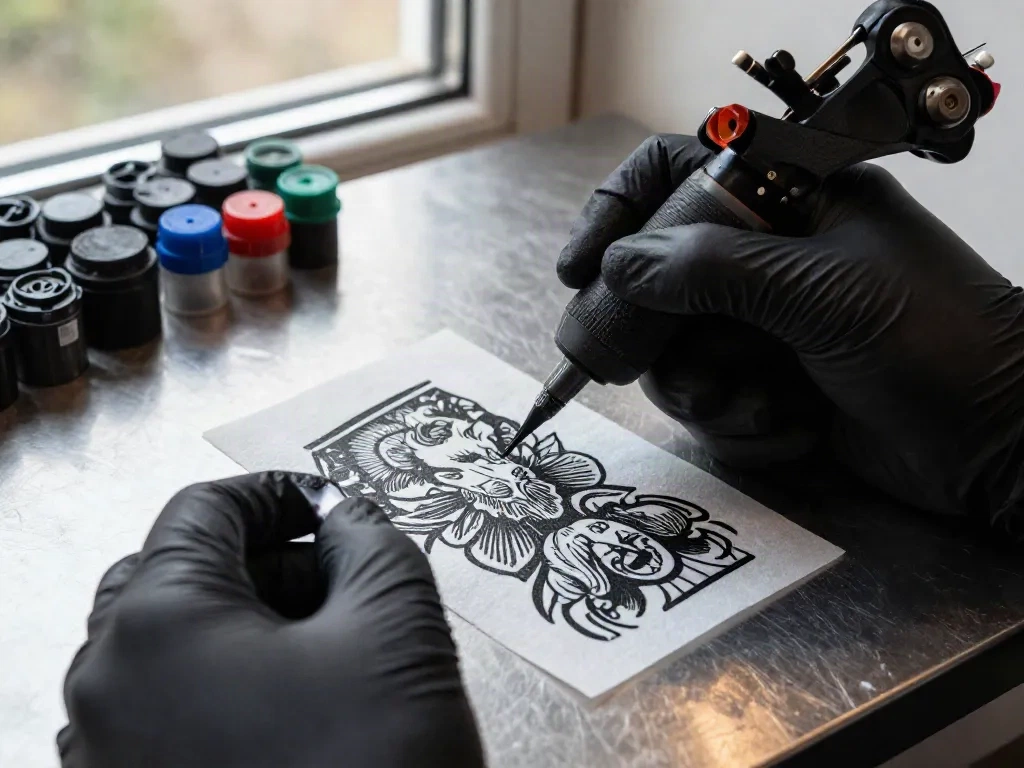
How to use it before your session
-
1
Set your specs
Choose your style, where it is going, roughly how big, and how detailed the linework is.
-
2
Read the brief
The tool works out a line weight, a contrast setting and a realistic session time the moment you change an input.
-
3
Hand it over
Copy the brief into your consultation notes, or paste it into inke.app when you are generating design variants to try on first.
Common questions
Is this an actual stencil printer?
Where do the line weight numbers come from?
Why does my skin tone change the recommendation?
Why does placement matter so much?
Is the time estimate accurate?
Does this replace inke.app's design generator?
Is anything I type here saved?
Ready to see the design before you commit to a stencil?
inke.app turns your idea into flash variants and lets you try them on a photo first. The stencil and the needle still come from a human.