Summary
This tattoo font generator turns any word or name into five lettering styles: blackletter, bold blackletter, bold script, outline block and spaced capitals. Pick the body spot and line weight, and each style gets a readable, tight or too small badge based on a minimum letter height rule of thumb. Copy the text you like and send it to your tattooer as a reference. It is free, runs in your browser and saves nothing.
Tattoo font generator: see your lettering in five styles
Type a word or a name, pick the spot on your body, and see which lettering survives at that size. Copy any style and send it to your tattooer.
What the generator actually calculates
Five lettering styles
Your text is converted to blackletter, bold blackletter, bold script, outline block and spaced capitals. These are the families people ask for most when they search for a tattoo font. Everything happens in your browser.
A size check for your spot
We take the length of the area, divide it by the number of characters, and cap the height so a word does not wrap around your wrist. Spaced capitals take more room than script, so each style has its own width ratio.
A line weight rule of thumb
Fineline needs about 7 mm per letter, standard 5 mm, bold 4 mm. Thin-stroke styles add up to 25 percent on top. Under that number the badge turns amber or red. It is a guide to start the conversation with your artist, nothing more.
Why lettering is harder than it looks
Lettering is the style where mistakes show most. One crooked stroke in a portrait disappears in the shading. In a word, you see it from across the room. The spacing between letters, the height of the x-line and the thickness of each stroke all have to agree. That is why a tattooer draws the stencil by hand and places it on your skin before touching the needle. A font gives you a mood. The stencil is the real design, and it should be adjusted to your arm, not to a screen. Blackletter and script are the two styles where this matters most. Their hairlines are thin and the gaps inside the letters are small. Over a few years those gaps close, so artists go bigger or simpler than clients expect.
- Check the preview in the spot you actually plan to use
- Ask your artist to place the stencil and look in a mirror before you say yes
- Keep long words for flat, wide areas such as the forearm or ribs
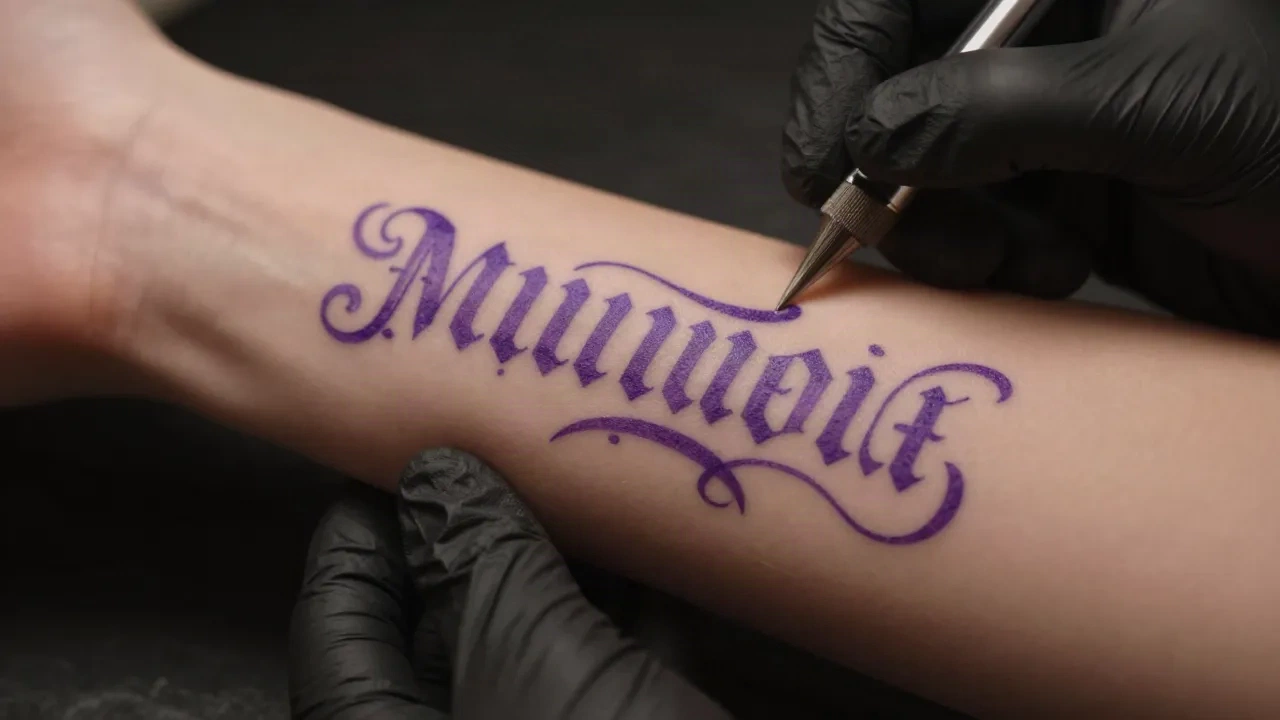
From a typed word to a brief for your artist
-
1
Type the exact text
Spelling, capitals and spaces change the width. Check names twice. Lettering is the one tattoo where a typo is permanent and obvious.
-
2
Pick the real spot
A wrist and a forearm give very different room. Choose the area you will actually book, then read the badge on each style.
-
3
Compare styles at your line weight
Switch between fineline, standard and bold. If a style drops to Too small, shorten the text or choose a chunkier family.
-
4
Copy your favourite and send it
Paste the text into a message with a photo of the placement. Ask your tattooer how they would draw it and what size they recommend.
Questions people ask about tattoo fonts
Is the tattoo font generator free?
Are these real fonts I can download?
Why do some letters show up as empty boxes?
Where do the minimum letter heights come from?
Will my tattoo look exactly like the preview?
Can I use a font I downloaded from the internet?
Does inke.app replace my tattooer?
Can I check a name or a word in another language?
Want more than lettering?
inke.app turns a description into flash designs and shows an essayage on a photo of your skin, so you walk into the shop with a clearer idea.