AI Tattoo Design That Your Artist Can Actually Use
Describe the idea, get a full sheet of style variants, then preview the design on your own skin before you book a session.
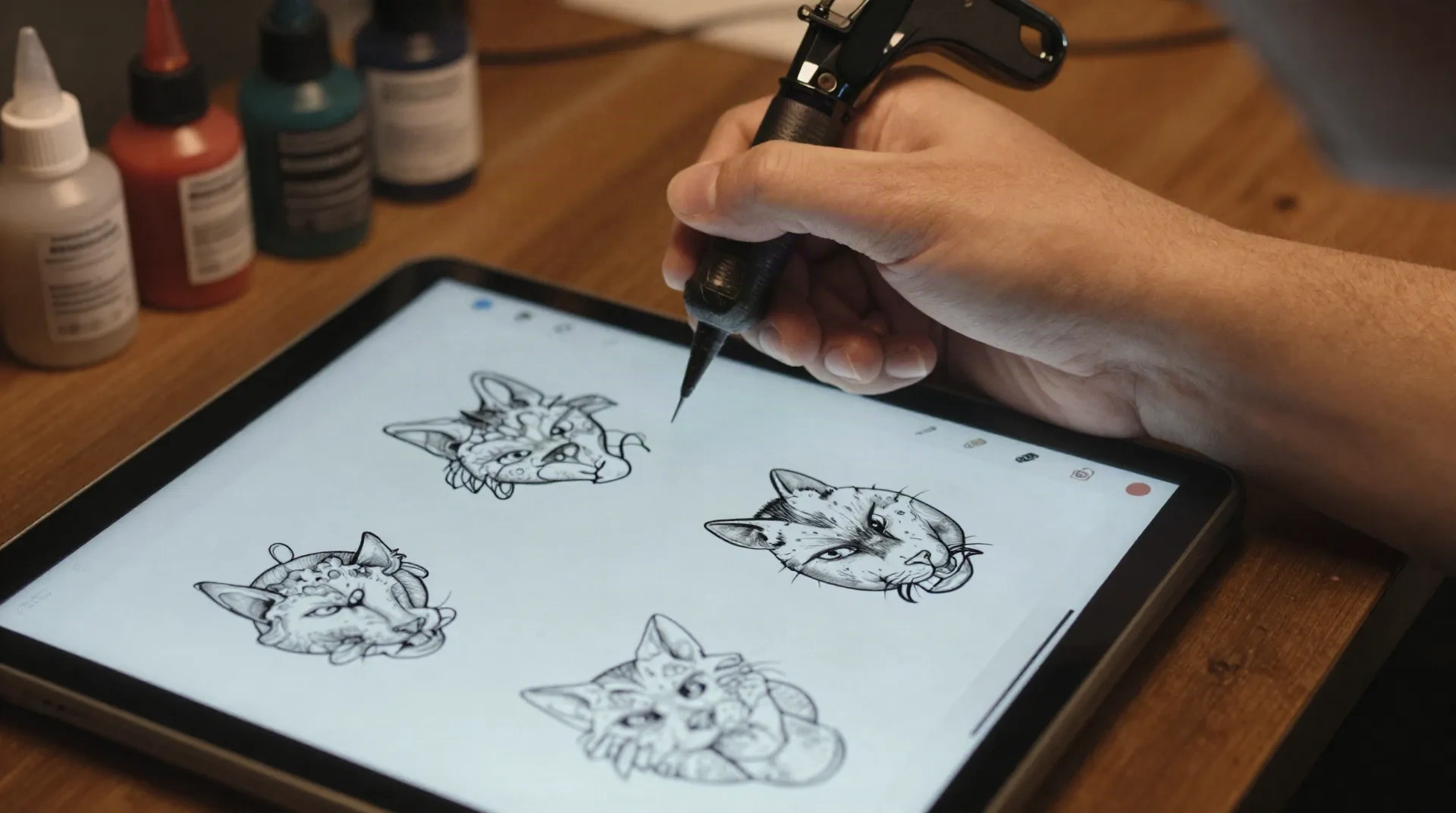
Built for people who show up with a real design, not a vague idea
Multiple style variants
One idea, rendered across styles like fine-line, blackwork, and neo-trad, so you pick the version that actually fits, not the first sketch you saw.
Skin preview before you book
Upload a photo of the spot you're planning. See the design sit on your own arm, shoulder, or ribs before the needle ever touches you.
Artist-ready brief
Export composition, linework, and sizing notes your tattooer can work from directly, not a mood board they have to interpret.
Photos deleted fast
Skin photos you upload are wiped within two hours. Nothing is stored, nothing trains on a picture of your body.
Trained on real flash work
The generator learned from flash sheets drawn by a working tattooer in Antwerp, not generic art scraped off the internet.
Ten styles covered
Traditional, blackwork, fine-line, dotwork, neo-trad, irezumi, realism, script, geometric, and botanical.
Stop trying to describe your tattoo idea to a stranger
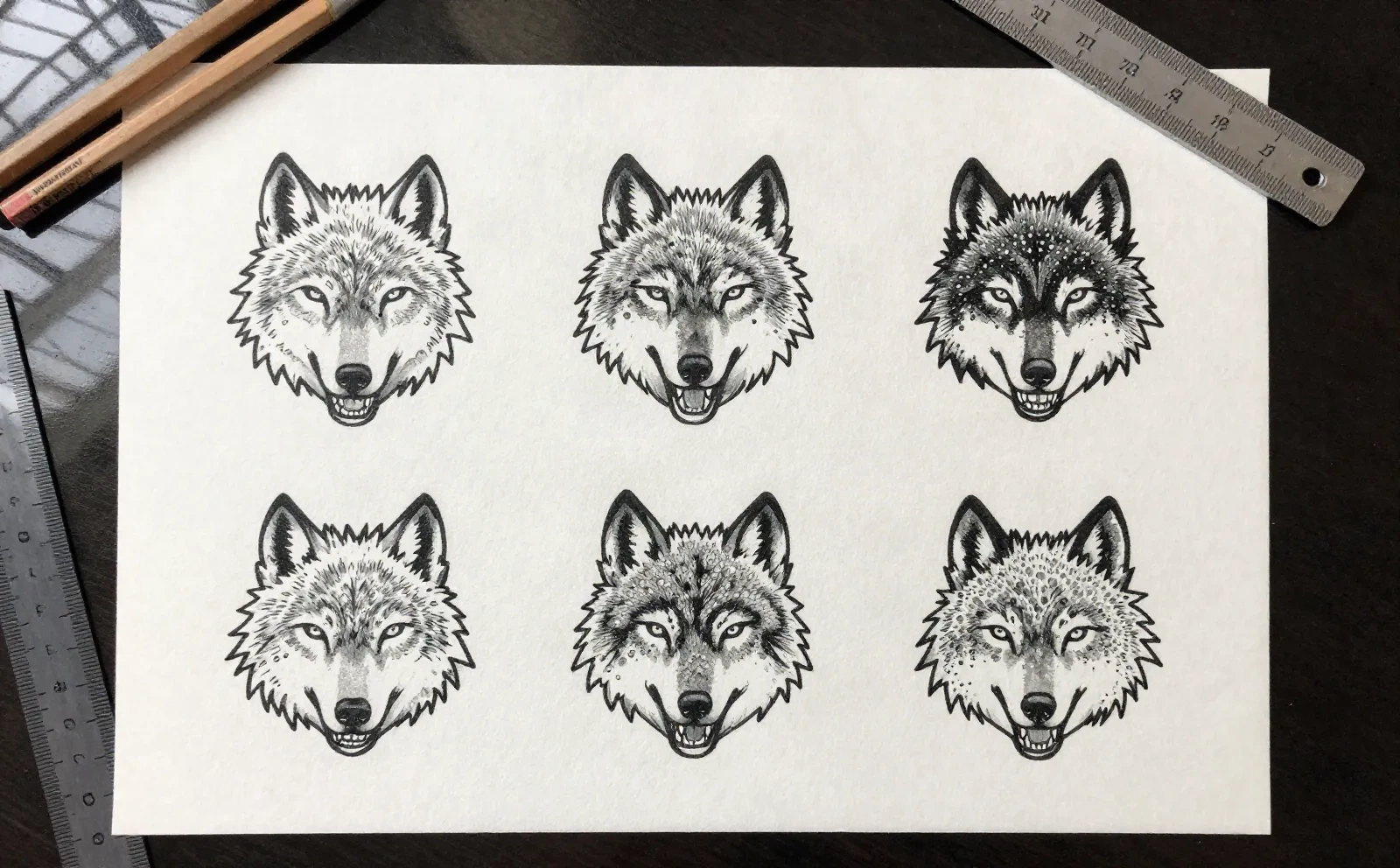
Most people walk into a consultation with three reference photos, a screenshot folder, and no real way to say what they actually want. Type the idea instead, and AI tattoo design turns it into a full flash sheet: a dozen concrete variants of the same concept across different styles, so you can point at the right one instead of hoping your tattooer reads your mind.
- Type the concept once, get style variants built for it
- Compare traditional, neo-trad, and fine-line side by side
- Walk into the consultation with a direction, not a mood board
See it on your skin before the needle starts
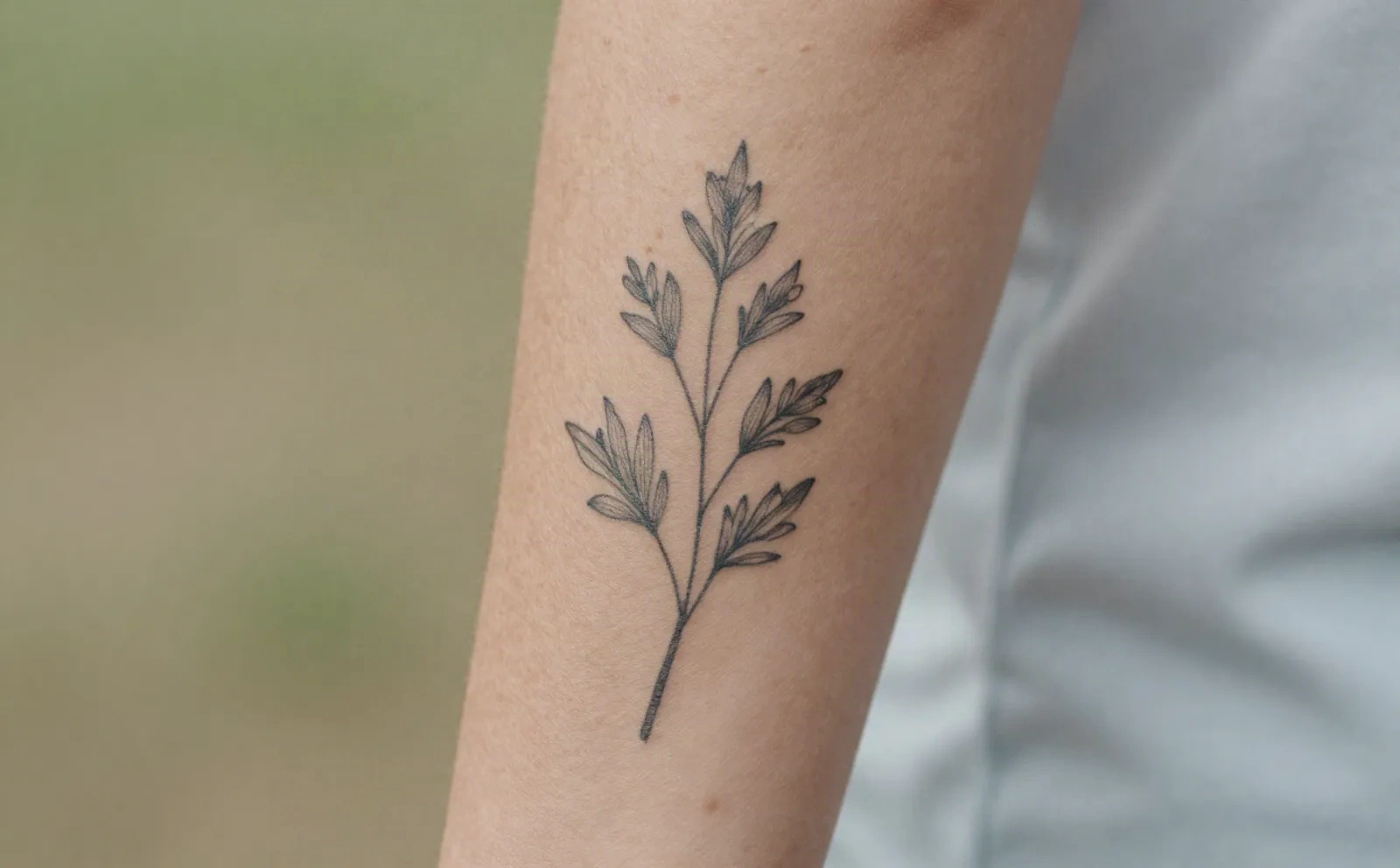
A flat design on paper doesn't tell you how a motif sits on the curve of a shoulder or wraps around a forearm. Upload a photo of the spot you're planning, and the AI tattoo design tool lays the piece over it. It still won't tell you how it heals, that part stays honest, but you'll know beforehand whether the size, angle, and placement actually work.
- Photorealistic placement preview on your own photo
- Useful for judging size and angle, not a medical simulation
- Photos deleted within two hours, never stored or used for training
From a written idea to a flash sheet in three steps
You don't need to draw. You describe the idea, the tool handles the sketching.
-
1
Describe the idea
Motif, style, rough placement. That's the whole brief this AI tattoo design tool needs to start.
-
2
Compare style variants
Get a sheet of variants across styles like fine-line, blackwork, or neo-trad, laid out side by side so you can compare them directly.
-
3
Preview it on your skin
Upload a photo of the spot. See a photorealistic preview of the design before you commit to anything.
-
4
Bring it to your tattooer
Export the brief. A trained artist still finishes the work, this just gets you into the chair with a real design instead of a guess.
What the tool actually delivers
Three ways to use it
A one-time credit pack for a single idea, or a monthly plan if you run a studio.
Single
for one tattoo idea
- 1 tattoo idea
- 12 style variants
- 3 skin previews
- 7-day private link
Session
for exploring several directions
- Up to 5 ideas
- 60 variants across styles
- Unlimited skin previews
- 30-day private link
- Artist export kit
Parlour
for tattoo studios
- 40 client ideas per month
- Team seats
- Artist-ready PDF pack
- Built for high-volume consultations
Common questions
Does AI tattoo design replace my tattoo artist?
How does AI tattoo design actually work?
Will my tattoo artist take an AI-generated design seriously?
Is my skin photo stored anywhere?
What tattoo styles can I generate?
How is this different from asking a general image generator for a tattoo design?
What if I don't like any of the variants?
Turn your idea into a design your artist can use
A dozen style variants, one skin preview, no sketching required on your end.