AI Oil Painting Tattoos: What Works and What Doesn't
Summary
AI oil painting tattoo tools generate designs with rich brushstroke textures and layered color in seconds. The catch: most output isn't tattoo-ready. This guide covers which ai oil painting generators produce usable flash, how to prompt for skin-friendly designs, what your tattooist needs to see before booking, and which styles translate from canvas to skin without losing the effect.
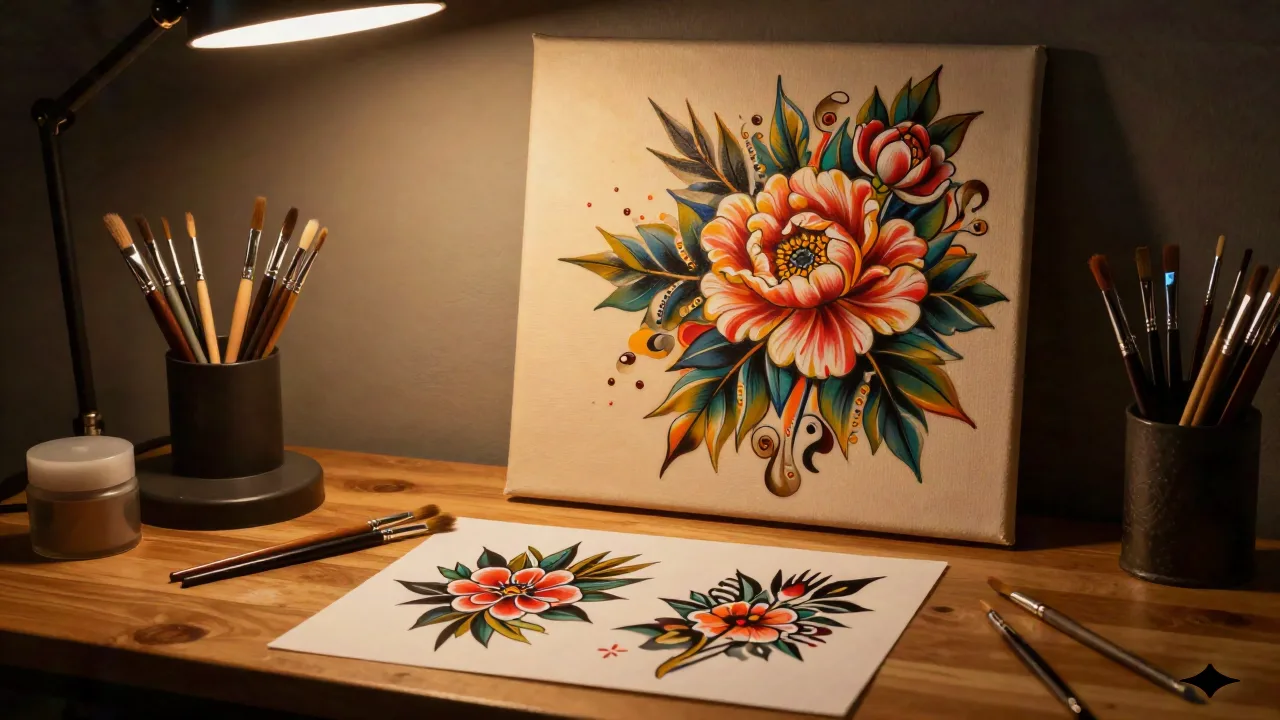
AI oil painting tattoo generators are genuinely useful: but not in the way most people expect. They don't replace your tattooist. They replace the blank-page problem.
You have a vague idea: something painterly, rich in color, with the depth of a Flemish still life or the loose energy of a Sargent brushstroke. You don't know how to draw it. Your tattooist isn't a mind-reader. That's exactly where ai oil painting tools earn their keep.
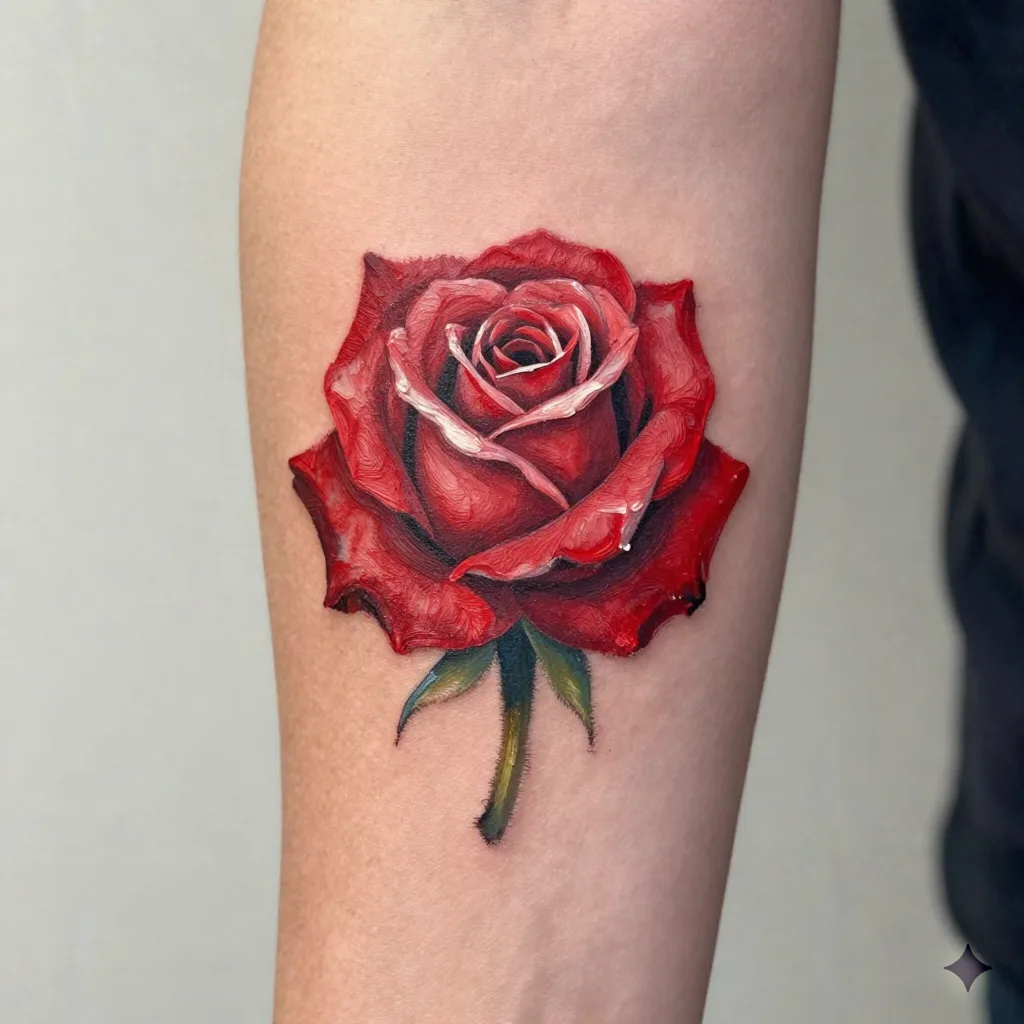
What Actually Is an Oil Painting Tattoo?
Before reaching for any generator, it helps to know what you're asking for. An oil painting tattoo isn't a specific technical style like fineline or blackwork. It's an aesthetic: a design that mimics the visual qualities of traditional oil paint: visible brushstrokes, blended edges, color depth from layered pigments, and a slightly textured surface impression.
In practice, this overlaps with several established tattoo styles:
Realism: photo-accurate shading, depth of field, the appearance of dimension
Painterly realism: realism with visible mark-making, looser and more expressive
Neo-traditional: bold outlines with interior painting that evokes illustration or fine art
Watercolor-adjacent: soft edges, color blooms, the sensation of paint on canvas
Your tattooist needs to know which of these you mean. An ai oil painting generator will give you something in the family, but the refinement: deciding whether the brushstroke texture needs to be suggested or literal, whether the edges hold or bleed: that conversation happens in the consultation, not in the app.
How AI Oil Painting Generators Work (and Why That Matters for Tattoos)
Most ai oil painting tools use one of two approaches: neural style transfer (apply the texture of a reference painting to your photo) or diffusion models (generate an entirely new image from a text or image prompt in a painterly style).
OpenArt AI sits in the second camp, with over 100 models you can run from a single interface. The advantage for tattoo planning: you're generating something new, not just filtering an existing photo. A filtered photo carries the specific colors and composition of the original. A generated design can be tuned to your concept, your placement, your preferred palette.
The limitation both approaches share: they don't know what survives on skin. An ai oil painting image can render fine gradients, ultra-soft transitions, and paper-thin details that a needle physically can't replicate at scale. What looks incredible on a 4K monitor may blur into muddy grey in five years on a forearm.
The Prompt Gap: Why Your First Output Won't Be Usable
This is where most people give up too early. They type "oil painting rose tattoo" into a generator, get something that looks like a screensaver, and either decide AI can't help or: worse: screenshot it and send it to a tattooist expecting a quote.
Neither response is right. The output needs refining. Here's the prompting structure that actually produces tattoo-usable ai oil painting designs:
What to include in your prompt:
Subject (the thing you want: a peony, a wolf head, a ship at sea)
Placement reference ("sleeve-sized", "circular composition for shoulder", "vertical panel for ribs")
Color restriction ("limited palette: deep burgundy, ivory, forest green, black outlines")
Style anchor ("John Singer Sargent style brushwork", "Flemish still life depth", "Romanticism-era atmospheric", "impasto texture")
Negative prompt ("no photorealism, no text, no digital artifacts, no soft blur, no watermark")
What to avoid in your prompt:
Color names that are too broad ("red" gives you anything from fire engine to rust)
Style words the model doesn't parse well ("aesthetic", "vibes", "nice")
Demanding too much in one frame (a full narrative scene with five characters is a painting, not a tattoo)
Run it ten times. Take the three best. Then ask: would I want this permanently on my body? That filter kills about seven of the ten every time.
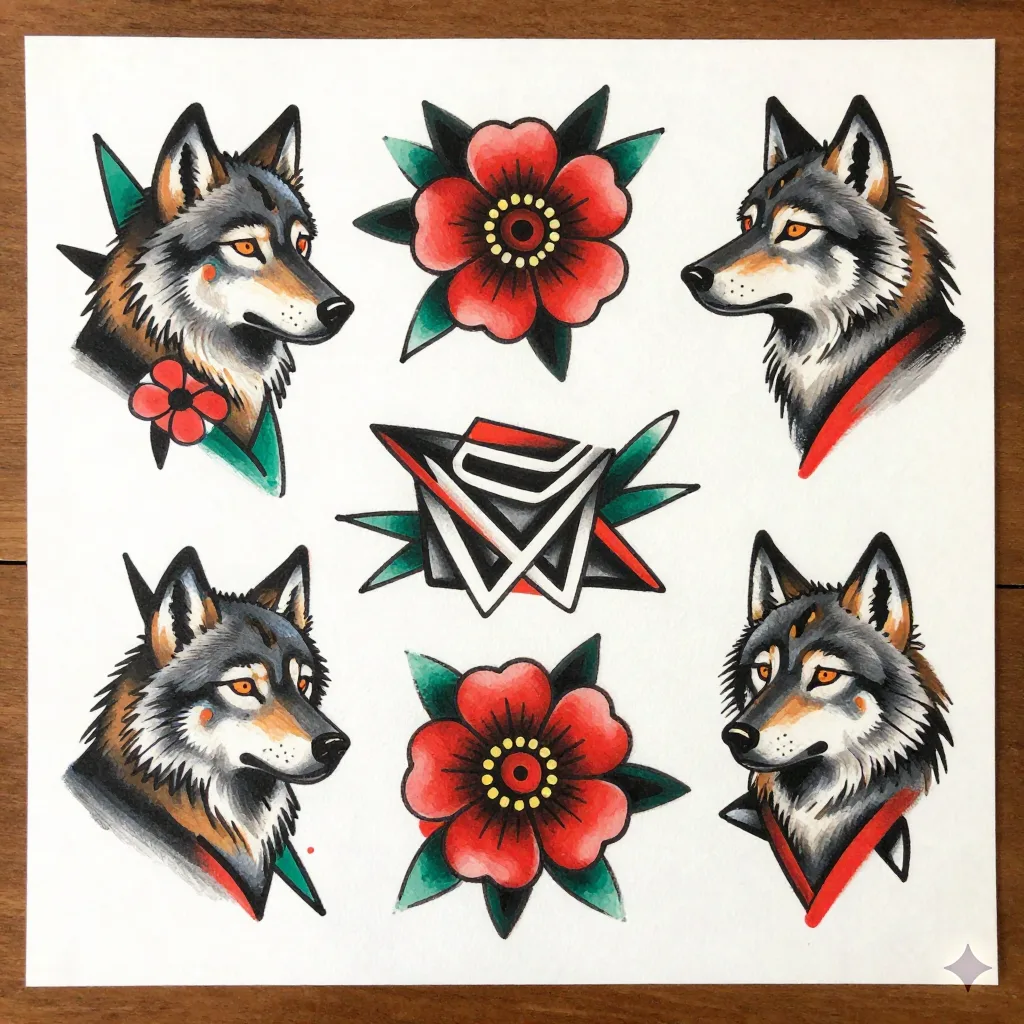
Which Subjects Translate Best from AI to Skin
Not every ai oil painting subject survives the transition from screen to dermis. After working through enough examples, clear patterns emerge.
Strong performers:
Botanical subjects: roses, peonies, wildflowers, leaves. The organic edge variation reads as intentional brushwork even when slightly degraded by healing. Deep reds and forest greens hold in oil painting style better than pastel equivalents.
Animal portraits: wolves, ravens, foxes, big cats. Strong silhouette + painterly interior shading. The subject can carry some compositional loss without falling apart.
Architectural details: arches, windows, doorways. Clear structural lines provide the scaffold the painterly fill hangs from.
Skulls and memento mori: oil painting aesthetic has centuries of skull imagery. The visual language is already established. A skilled tattooist can work from an AI draft and land somewhere historically coherent.
Weak performers:
Portraits of real people: the ai oil painting model doesn't know the person, the likeness will drift, and you have no recourse if the final tattoo doesn't look like your grandmother. Use a real reference photo with a specialist portraitist.
Landscape panoramas: too much detail compressed into a small area. A landscape that reads in a painting becomes noise at 10cm wide on a bicep.
Abstract compositions without anchor: a field of brushstrokes with no clear subject is hard to tattoo and harder to explain to a tattooist. Aesthetic without structure.
What Your Tattooist Actually Needs to See
You've generated a usable ai oil painting design. Now what?
Don't send a screenshot. Do this instead:
Export the highest resolution version available (most tools offer this at a pay tier: it's worth it for this purpose)
In your message to your tattooist, name the reference painters you were drawing from (Sargent, Tissot, Alma-Tadema: whichever guided your prompts)
State your preferred placement and the maximum size you're considering
Ask whether the color palette in the AI output is tattooable: some saturated digital colors don't map cleanly to available ink pigments
Ask them to flag anything that won't hold (ultra-fine lines, very light tones on light skin, tight gradients in small areas)
A good tattooist will tell you what they can and can't execute. If your tattooist accepts an ai oil painting design without any feedback or modification, that's a red flag. They should be adapting it, not tracing it.
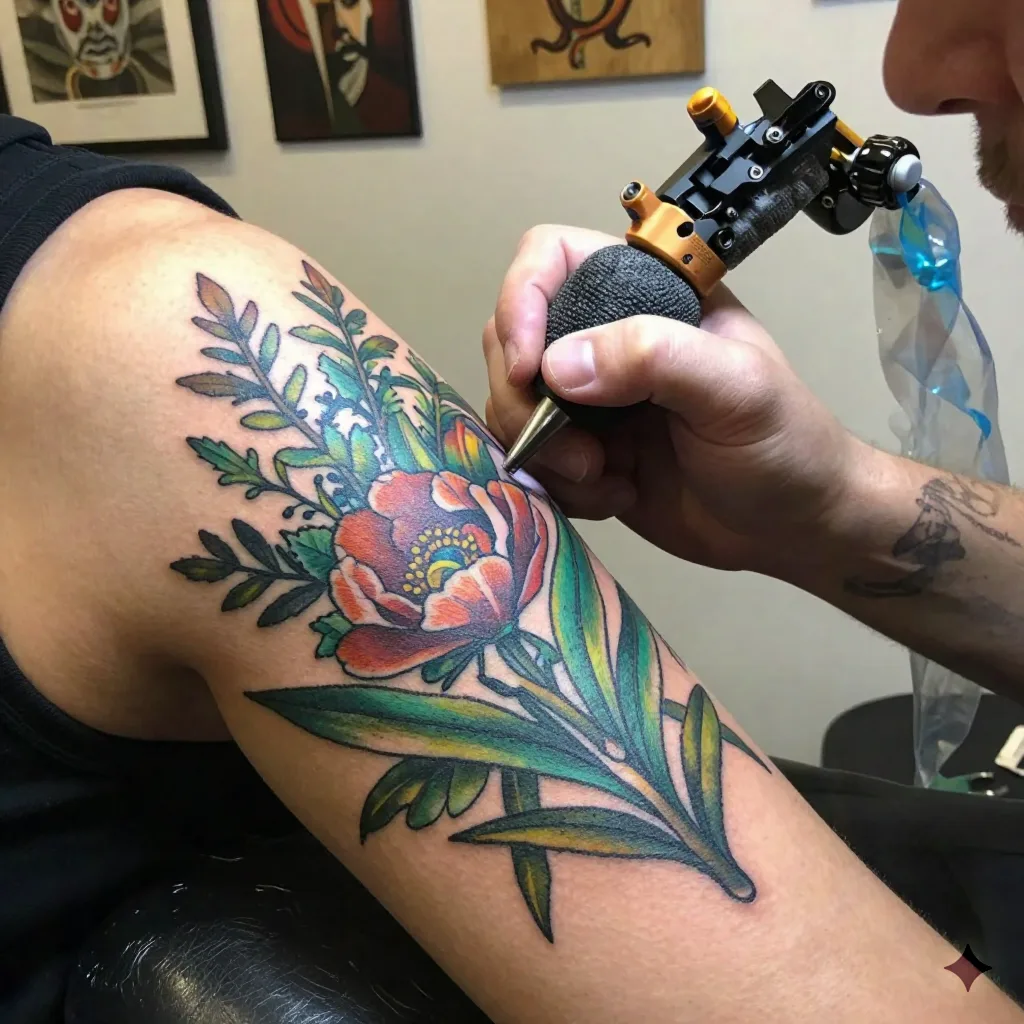
The Healing Problem Nobody Talks About
Here's where most editorial coverage of oil painting tattoos stops short. They show the fresh tattoo, call it stunning, and leave. The conversation about how it heals is absent.
Oil painting tattoos rely on color saturation and fine tonal transitions for their effect. Both of these are the most vulnerable attributes in a healed tattoo.
What happens after 3-5 years:
Saturated color fields fade to flatter, less distinct hues
Fine highlight details (the lightest tones that give the illusion of paint sheen) migrate or disappear
Soft edge transitions tighten into harder contrasts than intended
None of this makes the tattoo look bad: many healed oil painting pieces look distinguished, even more painterly in the traditional sense. But the ai oil painting design you're working from won't show you this. It shows the fresh ideal.
Ask your tattooist to show you healed work in this style from their own portfolio. Not someone else's portfolio. Theirs. Healed realism and painterly work requires a specific needle technique (packing color without blowout, layering tone without oversaturation) that not everyone has refined.
Inke and the AI Design Step
Inke's flash generation tool is built for exactly this workflow: getting from a rough concept to a shareable design reference fast, without requiring drawing skill. The oil painting style prompting works well on the platform because the model is trained with tattoo-specific context: it understands that a design needs to hold as a silhouette, that linework needs to be readable, that certain color combinations don't survive the skin translation.
The difference from a generic ai oil painting generator: Inke's output is already thinking about the needle. A generic image generator is thinking about a screen. That gap matters when you're booking a five-hour session.
You still need a human with a needle to finish the work. That part doesn't change. But arriving at a consultation with a well-considered reference: painterly, specific, adapted to your placement: cuts that appointment in half.
Before You Book: A Three-Check List
Run your ai oil painting design through this before contacting a tattooist:
1. The squint test. Step back and half-close your eyes. Does the design read clearly at reduced clarity? If the subject disappears, it's too detail-dependent to tattoo at most sizes.
2. The printout test. Print the design at the actual intended size. Most people generate at screen resolution and only realize the scale mismatch when they're already in the chair. What looks rich at 2000 pixels wide looks thin and muddy at 8cm × 10cm on a laser printer.
3. The black-and-white test. Desaturate your design. Does it still read? Oil painting tattoos depend on color for much of their impact: but if the underlying form is weak, the color can't save it. A tattooist who works in color realism will tell you the same thing.