AI Generated Landscape Tattoos: The Complete Guide
Summary
AI generated landscape art has become a practical briefing tool for tattoo consultations. Instead of struggling to describe what you want, you generate a high-contrast reference image and bring it in. The AI does not design your tattoo - it starts a better conversation. This guide covers which tattoo styles work with AI output, how to prompt for tattoo-ready results, and where the process still breaks down.
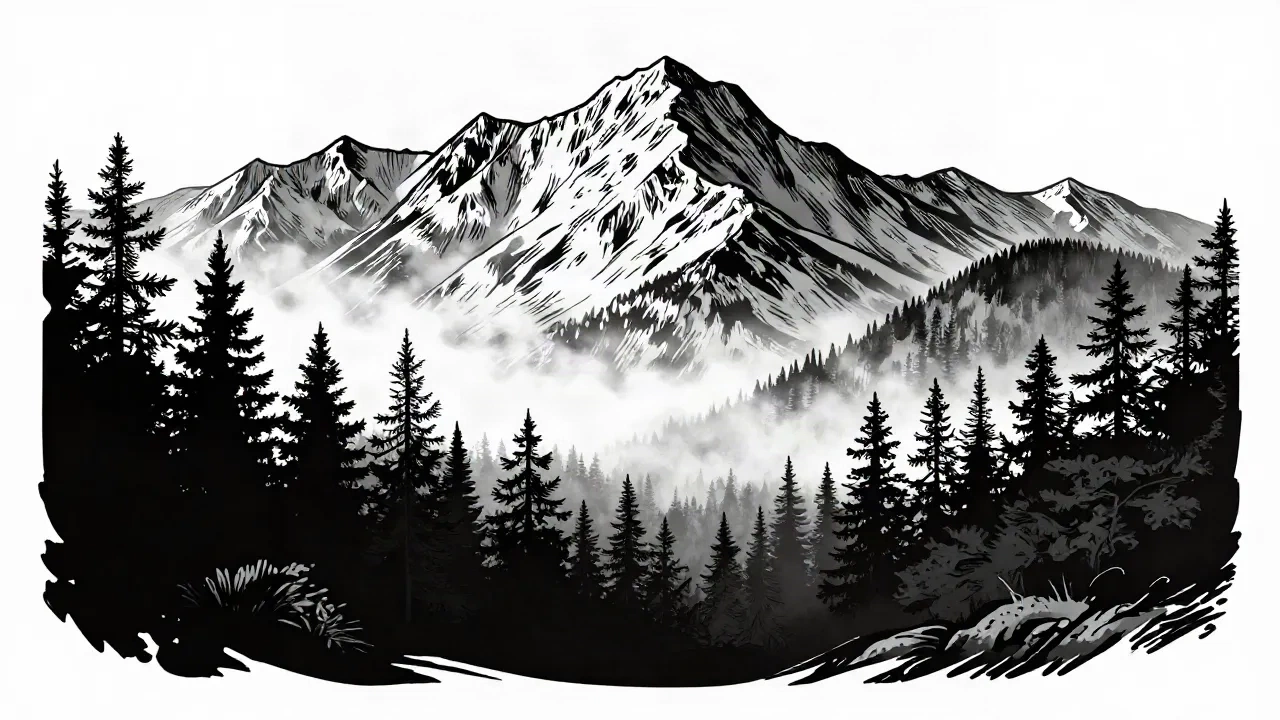
An AI generated landscape can be the most useful thing you bring to a tattoo consultation. Most people who want a landscape tattoo know exactly what they're after - mountains, a forest at dusk, the coast they grew up on - but can't describe it well enough for a tattooist to work with. "Something with trees and a sunset" is a brief that sends both parties in circles.
AI landscape generators have quietly become the best tool for closing that gap. Not because they replace the artist. They don't. But because they let you produce a visual reference before you sit down for the consultation, so the conversation starts at "make this work on my forearm" instead of "let me explain what I mean by moody."
Here's how to use AI generated landscape art as actual working material for your next tattoo - and where the whole thing breaks down.
Why landscape tattoos are harder to brief than they look
A portrait tattoo is easy to brief: you bring a photo. A name is even simpler. A landscape is different. It involves scale, atmosphere, light direction, density of detail, and a sense of depth - all of which collapse under a needle if they weren't designed with skin in mind from the start.
Tattooed landscapes also behave differently depending on style. A blackwork mountain scene at 7 cm across reads completely differently to a fineline version of the same composition. Dotwork adds weight but slows the lines. Realism requires a flat surface and a good 10-15 cm of clean real estate on your body. These are choices you need to make before the session, not during it.
The problem: most clients come in with a Pinterest board of landscapes that look incredible on paper, shot at golden hour, with gradient skies and soft transitions. None of that translates to ink. Tattooing is black and contrast. Or it's color, but bold. Soft gradients fade in two years.
An AI generated landscape, when you prompt it correctly, forces you to commit to an aesthetic. It shows you what the scene looks like as a high-contrast image - which is a lot closer to what ends up on your skin.
What an AI generated landscape actually gives you
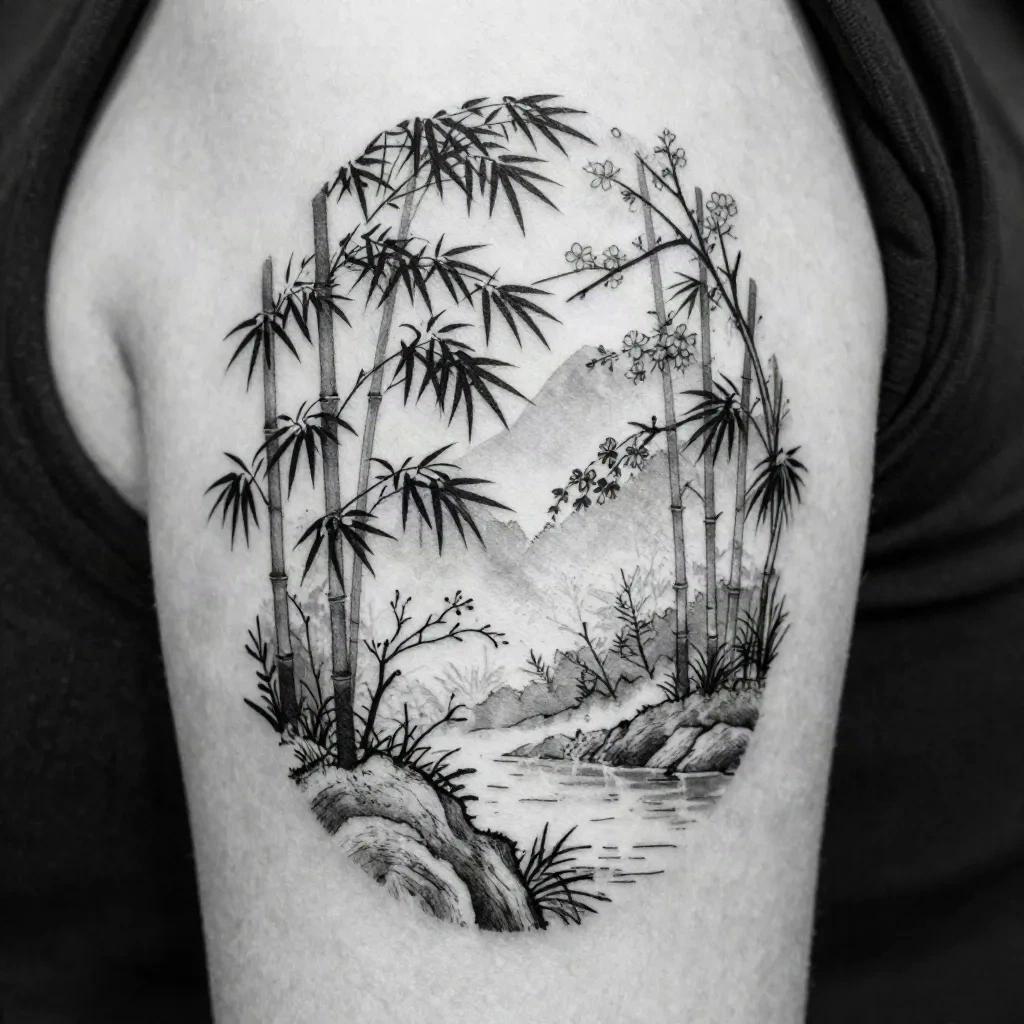
An AI image generator outputs a static image from a text prompt. You describe a scene, it renders it. The result is not a tattoo design. It's a reference image - the same category as tearing a page from a magazine or screenshotting an illustration you found online.
What makes it more useful than a photograph is control. You can ask for "a Japanese forest in blackwork line art" and get something close to that, immediately, without paying for illustration time. You can generate ten variations of the same scene and pick the one that communicates your idea. Then you bring it to your tattooist.
The tattooist will still redraw everything. They'll adapt the composition to your body placement, adjust the line weight for the needle size they're using, strip out details that won't survive healing, and make it actually work as a tattoo. The AI output is the conversation starter, not the final art.
Concrètement: this saves roughly 30 minutes of back-and-forth in a consultation, and it almost eliminates the "that's not what I meant" moment after a first sketch.
Which styles translate best from AI to skin
Blackwork landscapes are the strongest match. High contrast between filled blacks and clean white space is exactly what AI generators produce best, and it's also what ages the best in tattooing. A blackwork mountain range with dense tree silhouettes at the base will still read cleanly in twenty years. Ask the AI for "blackwork tattoo style" or "stark black ink, no gradients, solid fills."
Fineline landscapes work well for smaller pieces - wrist, ankle, inner forearm. AI generators handle fine line reasonably well, especially for botanical or Japanese-influenced scenes. The risk here is that AI often draws more detail than a needle can actually execute at small sizes. Your tattooist will simplify. That's normal.
Dotwork is where AI generators start to struggle. Dotwork is a technique, not just an aesthetic - the shading comes from thousands of individually placed dots, and AI tends to simulate this as a texture rather than actually rendering it. Use AI dotwork outputs as mood references, not technical references.
Realism is the hardest translation. AI generated photorealistic landscapes are impressive but often have wrong anatomy for tattooing: too much mid-range grey, too little contrast in the shadows, and no consideration for how the skin will heal. Use them sparingly and only on artists who specialize in realism with a strong healed portfolio.
How to prompt an AI landscape for tattoo-ready results
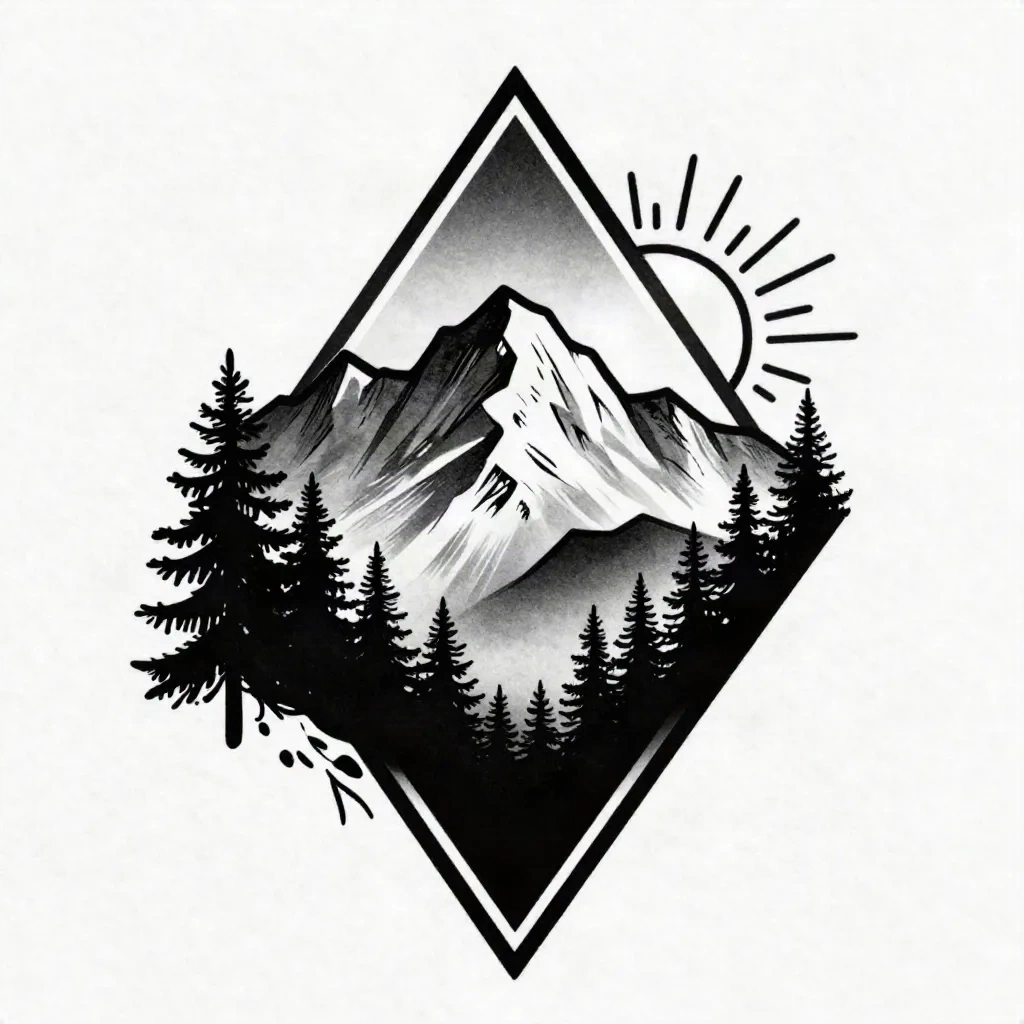
Prompting for tattoo references is slightly different from prompting for beautiful landscape art. You want the image to communicate an aesthetic, not to look good on a screen.
A few things that work:
Add "tattoo reference" or "flash art" to your prompt. Most image generators have been trained on enough tattoo content to shift their output toward something that looks like reference material rather than a digital painting. "Mountain landscape, blackwork tattoo reference, fineline" gives cleaner results than just "mountain landscape, blackwork."
Kill the colour. Add "black and white only, no colour" to prevent the generator from defaulting to gradient skies and amber glows. You're designing for ink, not for Instagram.
Specify the body placement. This doesn't affect the image itself, but it forces you to think about it before you generate. A forearm piece needs a horizontal composition. A calf works better vertical. An ankle wrap needs a continuous design with no obvious start or stop. Know this before you brief your artist.
Generate at least 4-5 variations. The first output is rarely the right one. Use it to refine what you actually want - then bring the two or three versions you like to the consultation and let the tattooist point out which one will work.
What to bring to the consultation
One clear reference image. Not twelve. The more images you bring, the harder it is for the tattooist to understand what you actually want versus what you're using as mood padding.
If you've generated multiple AI landscapes, pick the one that's closest to what you want, and bring one or two more as "this is the part I liked about this one" context. Your tattooist is reading intent, not compiling a collage.
Also bring: your intended placement decided in advance, a sense of the size you want (small = 5 cm, medium = 10 cm, large = 15 cm+), and an honest answer about your pain tolerance and healing history if this isn't your first tattoo.
The AI reference does one specific job: it replaces the fifteen minutes of "let me look at my phone while I try to describe it" with a concrete image. T'as besoin d'un humain avec une aiguille pour finir le travail.
Where AI landscape generators still fall short
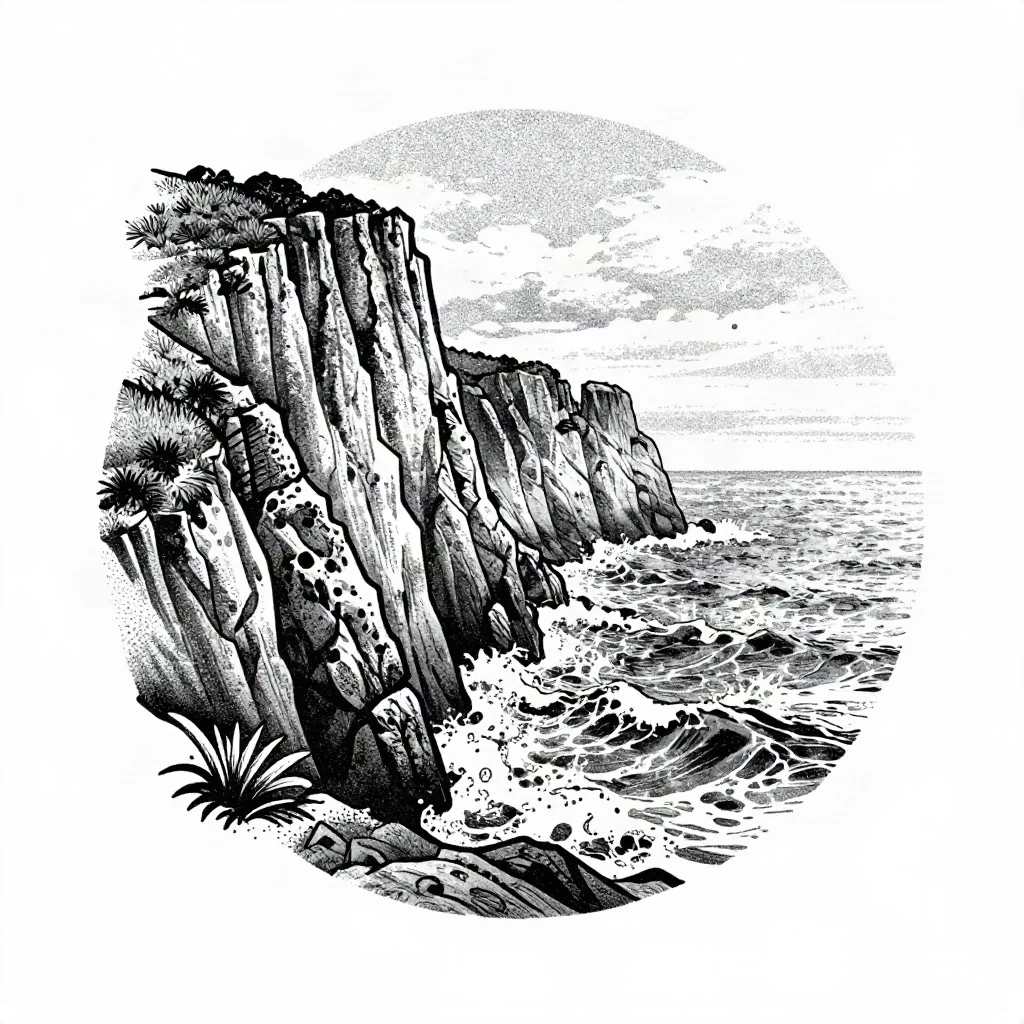
The gap between a convincing AI generated image and a tattoo that actually works is still significant. AI doesn't know your skin. It doesn't account for how a design will heal, how it will distort on a moving joint, or how much detail a particular ink and needle size can actually hold.
AI landscape generators also have a tendency toward overcomplication. They produce beautiful, detailed scenes with dozens of elements - overlapping trees, complex rock faces, layered cloud formations. A tattooist looking at this sees a design that will turn into a grey smudge in ten years. The editing is their job, but the more you ask them to simplify, the further the final result moves from your original reference.
The other issue is stylistic consistency. If you're planning multiple tattoos that need to sit together on the same area, AI generated references from different sessions will rarely match each other in weight and style. A human artist has a consistent hand. The AI doesn't.
C'est là que ça coince: using AI as the sole design input, instead of as one input among several. The best clients come in with an AI reference plus a photo of a real landscape they care about plus a tattooist whose healed work they've already studied. That combination gives the artist everything they need.
How inke fits into this workflow
inke does something the general-purpose landscape generators don't: it generates reference images specifically framed for tattoo use. The output is calibrated for skin, not for a screen. You can upload a photo of the landscape you care about and get a tattoo-adapted version in the style you choose - blackwork, fineline, Japanese, geometric.
You can also run a virtual try-on directly on a photo of your body, so you see the placement before committing. That last part is the reason most people try it: not the generation itself, but the preview.
It doesn't replace the artist. It gives you better material to walk in with.
The styles worth requesting right now
Landscape tattoos have been through several waves of popularity. The current moment favors a few specific aesthetics that AI generates particularly well, and that tattoists are well-positioned to execute.
Minimalist mountain line tattoos - a single horizon of peaks in clean linework, no fill, no detail below the treeline. These work at 5-8 cm and read clearly on any placement. The AI prompt is simple: "minimalist mountain silhouette, single line, no fill, tattoo style."
Japanese nature landscapes - cherry blossom over water, bamboo forest with mist, pine trees on a hillside. This style has deep tattoo roots and the vocabulary is well-established in the AI training data. Works best in fineline or in the full neo-trad Japanese style.
Geometric frame landscapes - the scene inside a triangle or circle, with dense blackwork fill outside the frame. This gives the tattooist clear edges to work with and makes placement on a forearm or upper arm very clean.
If your tattooist can't show you three healed examples in the style you want, find one who can. Si ton tatoueur ne peut pas te montrer ça, cherches-en un autre.