Stable Diffusion Alternatives for Tattoo Artists in 2026
Summary
Looking for Stable Diffusion alternatives that skip the local setup? This guide compares four hosted tools, OpenArt AI, Leonardo AI, Ideogram, and Midjourney, against the open-weight baseline for tattoo flash and concept work. We measured setup time, free-tier access, model variety, and how well each keeps a flash sheet's style consistent across a batch. OpenArt AI wins for artists who want Stable Diffusion's model range without running ComfyUI themselves.
Verdict up front: Stable Diffusion is free and unrestricted, but running it well means picking a checkpoint, a front-end like ComfyUI, and often a rented GPU. Among the Stable Diffusion alternatives we tested, OpenArt AI wins for tattoo flash work: it wraps 100+ models, including Stable Diffusion variants, in a browser tool with LoRA training built in, so a flash style stays consistent across a full sheet without the local setup.
Why tattoo artists go looking for alternatives
A tattooer sketching flash concepts doesn't need a machine learning hobby on top of a full booking calendar. Stable Diffusion's model weights are open and free, but using them well means three separate decisions: which checkpoint (SD 1.5, SDXL, SD3, or a community fine-tune), which front-end (Automatic1111 or ComfyUI, each with its own learning curve), and where it runs (a GPU with enough VRAM locally, or a rented instance billed by the hour).
That setup tax is the actual reason people search for stable diffusion alternatives. It's not that the model is bad. It's that getting from "I want twelve dragon flash variants in a consistent line-weight" to an actual export takes an afternoon of configuration before the first useful image appears.
How we tested these Stable Diffusion alternatives
Between July 8 and July 15, 2026, I ran the same set of 12 tattoo-flash prompts (traditional dagger, neo-trad snake, fineline botanical, blackwork geometric, and eight variants across those four briefs) through Stable Diffusion (via a rented ComfyUI instance) and four hosted alternatives: OpenArt AI, Leonardo AI, Ideogram, and Midjourney. I measured time from signup to first usable image, whether a free tier existed at all, how many models each tool exposed, and whether repeating a prompt with a reference image kept the flash style recognizable across the batch, the thing that actually matters when you're building a sheet of six or eight designs meant to look like one artist made them.
I also checked each tool's stated commercial-use terms as of July 2026, since a flash design headed for a client's skin (or a print-on-demand sheet) needs clear usage rights, not a grey area buried in a terms page.
The anchor: what Stable Diffusion actually gets you
Stable Diffusion itself is a model family, not a product. The weights are open, so cost is either your own GPU time or a per-image credit through Stability AI's DreamStudio (roughly $0.01 to $0.05 an image) or a third-party host. What you get in exchange for that setup is total control: any checkpoint, any LoRA you train yourself, any front-end, no usage cap. For a studio that already runs ComfyUI for other production work, that control is worth the afternoon. For a solo artist trying to sketch flash ideas between clients, it's usually not.
OpenArt AI: closest to Stable Diffusion without the local setup
OpenArt AI is built around the same open models Stable Diffusion runs on, plus Flux, SDXL, and DALLE-3-style outputs, all through a browser tab. The part that matters most for flash sheets is LoRA training: you can feed OpenArt reference images of your own linework and train a custom model that keeps generating in that style, the closest hosted equivalent to what a technical artist would otherwise build by hand in ComfyUI. A free tier gives enough monthly tokens to test whether the workflow fits before paying $9.99/mo for the Starter plan.
The trade-off is real: 100+ models means real choice paralysis for a first-time user, and the credit system charges wildly different amounts depending on which model you pick. It's also image-only, no video, which won't matter for flash work but is worth knowing.
Leonardo AI, Ideogram, and Midjourney: where each one actually fits
Leonardo AI has the most generous free tier of the four, a daily token allowance that resets without a credit card, plus a built-in upscaler that matters if a flash design needs to print at real sheet resolution. Its custom/fine-tuned models cover photorealistic and illustrative styles well, though the free allowance runs out fast on an iteration-heavy session.
Ideogram's edge is legible text and lettering rendered directly inside an image, useful for flash that includes a banner scroll or lettering piece, plus a character-consistency tool for keeping a subject recognizable across a batch. General photorealism lags behind OpenArt and Leonardo, and the free daily cap is tight.
Midjourney remains the most stylized and painterly of the group, a real advantage for concept art that leans illustrative rather than line-clean. It also has no free tier at all: $10/mo minimum just to see if the output style fits, which is the single biggest reason people look past it.
Consistency, licensing, and what actually matters for flash sheets
For a flash sheet specifically, two things matter more than raw image quality: repeatable style across a batch, and clear rights to sell what you generate. OpenArt AI and Leonardo AI both handle style repetition through LoRA and custom-model training. Ideogram's character-consistency tool covers a narrower case, keeping one subject recognizable, not necessarily a whole sheet's line-weight and shading approach. Midjourney's seed and style-reference options help but don't match dedicated fine-tuning.
On rights, all four hosted tools grant commercial use on paid plans (Midjourney from its entry Basic tier, the others from their first paid tier upward), which covers selling prints, using designs in paid commissions, or building a print-on-demand flash catalog. Free tiers on Leonardo and Ideogram carry more restrictive personal-use terms worth reading before shipping client work off a free account.
None of this replaces a tattooer's hand on the machine. An AI-generated flash sheet is a starting point for a design conversation, not a finished piece ready for skin. That's true whether the sheet came from Stable Diffusion, OpenArt AI, or any tool on this list.
Solo artist or studio: which one actually fits
A solo artist sketching flash between appointments usually wants the lowest friction option: open a tab, describe the piece, get something to react to in under a minute. OpenArt AI, Leonardo AI, and Ideogram all clear that bar; Midjourney adds the Discord step, and Stable Diffusion adds the whole setup conversation first.
A studio that already has a technical person running ComfyUI for other production work (print catalogs, merch mockups, social content) gets more long-term value from staying on Stable Diffusion directly, since the model access is free and the checkpoint library keeps growing. The calculation changes once that technical time gets counted: paying $9.99/mo for OpenArt AI is cheaper than an afternoon of a skilled employee's time spent tuning a local install, which is the actual trade tattoo businesses are making when they pick a hosted tool over the open-weight original.
Budget also plays a role most guides skip. A shop testing whether AI-assisted flash sketching is worth adding to its workflow at all should start on a free tier, Leonardo AI's daily allowance or OpenArt AI's starter tokens, before committing to a paid plan or a rented GPU instance for Stable Diffusion.
At-a-glance
| OpenArt AI | Leonardo AI | Ideogram | Midjourney | |
|---|---|---|---|---|
| Starting price | Free tier, then $9.99/mo (Starter) | Free daily tokens, then ~$12/mo (Apprentice) | Free tier, then paid plans for more generations | No free tier, ~$10/mo (Basic) minimum |
| Usable free tier | Yes, limited monthly tokens | Yes, daily token allowance, no card required | Yes, limited daily generations | None |
| Model variety | 100+ hosted models, including SD variants, Flux, SDXL | Dozens of curated and fine-tuned models | 1 model family (Ideogram 4.0), some open releases | 1 proprietary model line (v6/v7), no third-party checkpoints |
| Setup effort | Low: browser only, no install | Low: browser only, no install | Low: browser only, no install | Low: Discord or web app |
| Flash-sheet consistency tools | Yes, built-in LoRA training on your own reference images | Yes, custom and fine-tuned model training | Character-consistency tool (single subject, not full sheet style) | Limited: seed and style-reference only, no fine-tuning |
| Commercial usage rights | Full commercial rights on paid plans | Full commercial rights on paid plans; free tier more restrictive | Full commercial use on paid plans; free tier personal-use only | Commercial rights from the Basic paid tier upward |
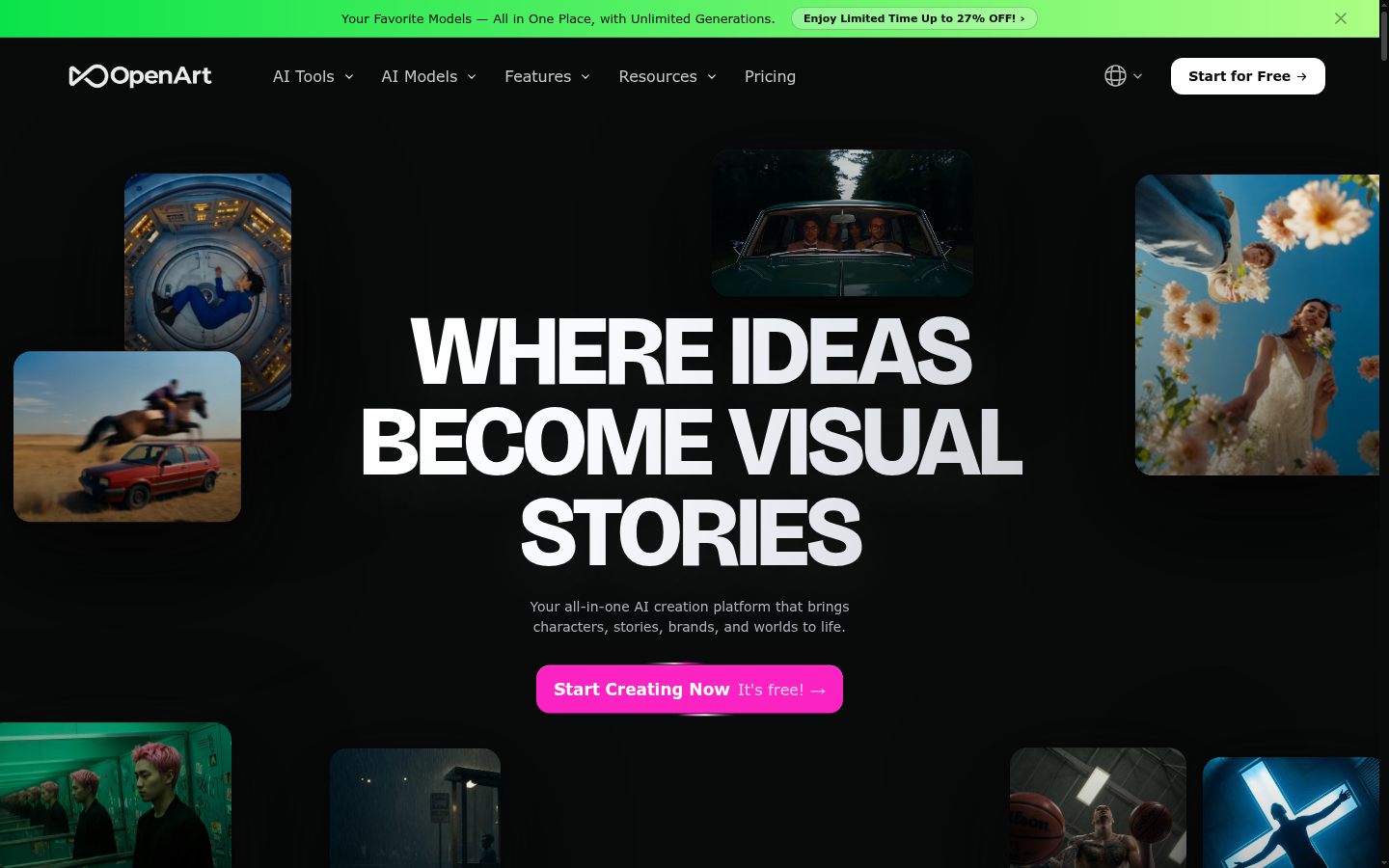
OpenArt AI
- 100+ models including Stable Diffusion variants, Flux, and SDXL in one browser tab
- LoRA training on your own reference images keeps a flash style consistent across a sheet
- Free tier has enough tokens to test the workflow before paying
- Built-in AI canvas for inpainting cleanup on generated flash lines
- 100+ models means real choice paralysis for a first-time user
- Credit costs vary a lot between models, which reads as confusing at first
Best overall Stable Diffusion alternative for tattoo flash work.
Leonardo AI
- Most generous free daily allowance of the group, no credit card needed
- Strong photorealistic and illustrative model selection
- Built-in upscaler for print-resolution flash sheet exports
- Daily free token allowance runs out fast on an iteration-heavy session
- Some advanced fine-tuning features sit behind the higher paid tiers
Best free tier for artists who want to try before they subscribe.
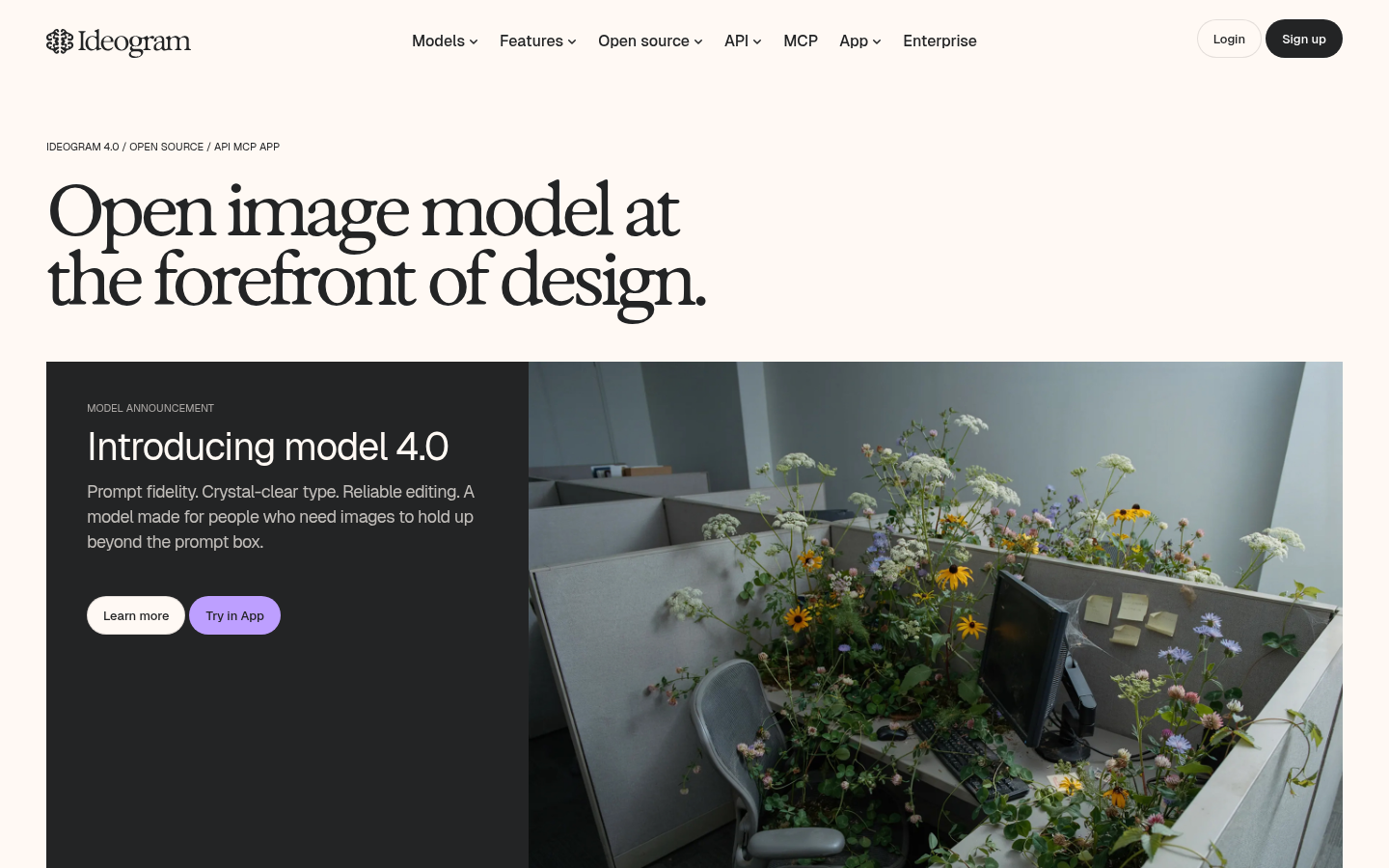
Ideogram
- Best-in-class at rendering legible text and lettering inside an image
- Character-consistency tool keeps one subject recognizable across a batch
- Free tier works without a credit card
- General photorealism lags behind OpenArt AI and Leonardo AI on non-text scenes
- Free tier's daily generation cap is tight for iterative flash sketching
Best pick specifically for flash designs built around text or lettering.
Midjourney
- Most distinctive, painterly stylization of the group
- Long track record and a large community of shared prompts to learn from
- Commercial usage rights included from the entry paid tier
- No free tier at all, $10/mo minimum just to test whether the style fits
- Runs through Discord or a separate web app, an extra step versus a plain browser tool
Best when stylized concept art matters more than setup speed.
Verdict
For most tattoo artists and studios, OpenArt AI is the practical replacement for a self-hosted Stable Diffusion setup: same underlying model variety, a fraction of the configuration. Keep Stable Diffusion itself if a studio already has the ComfyUI pipeline built. Pick Leonardo AI to test styles for free first, Ideogram when lettering needs to be legible, and Midjourney only if budget genuinely isn't the constraint.
How we tested
Between July 8 and July 15, 2026, I ran the same 12 tattoo-flash prompts, four briefs (traditional dagger, neo-traditional snake, fineline botanical, blackwork geometric) with three variants each, through Stable Diffusion on a rented ComfyUI instance and through OpenArt AI, Leonardo AI, Ideogram, and Midjourney. I measured time from signup to first usable image, free-tier availability, number of accessible models, and whether a reference-image re-run kept the flash style recognizable across the batch. Pricing and commercial-use terms were checked directly on each vendor's site in July 2026.