Midjourney Free Alternative for Tattoo Design Sketches
Summary
TL;DR: looking for a midjourney free alternative to rough out a tattoo idea before you sit down with an artist? Midjourney has no free tier at all, so we tested four tools that do: OpenArt AI, Leonardo AI, Ideogram, and Playground AI. OpenArt AI wins because its free plan keeps real photo editing and lets you lock a consistent linework style across several sketches instead of one lucky image. Leonardo AI renders the cleanest single design, Ideogram handles lettering and script best, and Playground AI is the fastest to just open and try.
A midjourney free alternative search usually starts the same way: someone has a tattoo idea, no way to draw it themselves, and no interest in paying for a subscription just to find out if the idea even looks good. Midjourney dropped its free trial years ago after it became a magnet for spam accounts, so anyone who wants to test a design for free has to look elsewhere first. We ran the same test prompt, a small neo-traditional swallow with bold outlines, through four free tools people already search for as a substitute, and only one of them, OpenArt AI, is built to keep that design consistent across more than one try.
Why a tattoo tool site is testing Midjourney alternatives
inke.app generates flash sheets and lets you try a design on a photo of your own skin before you commit to anything. It does not replace a tattoo artist, and it never claims to. But readers ask, often before they have even opened inke.app, what to use for a rough sketch of an idea while it is still forming: a different bird, a tighter line, one more pass at the shading. That is a genuine use for a free general-purpose image tool, and it is the real reason "midjourney free alternative" shows up in searches from people who have never touched a tattoo machine.
What we actually tested
We ran the same prompt, a small neo-traditional swallow with bold outlines and two-tone shading, through each tool's free tier five separate times. That repetition, not a single lucky image, is what separated the four tools. A flash sheet or a consultation reference needs one coherent style held across several sketches, not five unrelated interpretations of the same bird. We also checked whether the free tier needs a credit card, how many free generations you actually get before a paywall appears, and what resolution the export lands at, since a sketch you cannot print clearly is not much use in a consultation.
The four tools, side by side
Here is how the four compare on the specifics that matter for sketching a tattoo idea, not for professional concept art or agency-grade illustration work.
OpenArt AI: the one that keeps a style consistent
OpenArt AI's free tier includes an AI Canvas with real inpainting and outpainting, so you can rework the wing on one sketch without regenerating the whole bird from scratch. More useful for a tattoo idea specifically: custom LoRA training lets you lock in a linework style and carry it across an entire set of sketches, closer to how a real flash sheet gets built than one image at a time. The tradeoff is a credit system that does not always show which of the 100-plus underlying models costs more per generation, and a model picker that takes a session or two to get comfortable with.
Leonardo AI: the cleanest single design
Leonardo AI's daily free token allowance is generous enough to run a full test session, and its photorealistic and illustrative models produced the cleanest bold linework of the four in our test. Its editing tools are canvas-based rather than a dedicated inpainting mode, so touching up one part of an existing sketch takes more setup than in OpenArt AI. The daily allowance also resets and disappears fast if you are the kind of person who wants six passes at the same wing before picking one.
Ideogram: best when the design needs lettering
Ideogram renders legible text better than the other three, which matters if the piece is a lettering tattoo, a date, or a script quote rather than pure imagery. Its free tier needs no card to start. Plain linework scenes with no text at all, a bird with no banner underneath, are where it falls behind Leonardo AI on shading and fill, and the daily generation cap is tight if you want to compare several styles back to back.
Playground AI: fastest to open, least built for iteration
Playground AI asks for nothing, no card, no waiting period, and its template library is the easiest entry point if you have never touched an AI image tool. It leans toward design templates and merch printing more than freeform linework, so it is a reasonable first stop if you just want to see what a style looks like in general, and a weaker choice once you actually want to keep reworking one specific idea.
Where a free sketch stops and a tattoo starts
None of these four tools draw the tattoo you will actually get, and that line matters more here than in almost any other use case for AI image generation. A generated sketch can be wrong about how a line ages, how ink spreads under skin, or how a design wraps around a joint, in ways only a tattooer catches before the needle goes in. What a free general image tool gets you is a rough answer to one question before your consultation: does this idea, in this style, actually hold together across a few variations. Once that answer is yes, the sketch is a starting point for a conversation, not a finished plan. If your reference touches on Polynesian, Maori, tribal, or other culturally rooted symbols, that conversation with your artist should cover where the design actually comes from, not just how it looks.
Before you book a consultation
If you only try one of the four, make it OpenArt AI, since holding one style across several sketches beats one lucky generation you cannot repeat. Bring the result as a starting point, not a final file, and expect your artist to change more of it than you'd guess once real linework and skin are involved. You'll still need a human with an aiguille to finish the work either way.
At-a-glance
| OpenArt AI | Leonardo AI | Ideogram | Playground AI | |
|---|---|---|---|---|
| Free plan | Yes, limited monthly credits, no card required | Yes, daily token allowance, no card required | Yes, limited daily generations, no card required | Yes, free to start, no card required |
| Starting paid price | $9.99/month (Starter) | About $12/month (Apprentice) | Paid tiers unlock more daily generations | Design and print add-ons on top of the free tier |
| Bold linework and solid black fill | Strong, depends on which of the 100+ models you pick | Strongest of the four for clean, printable linework | Good, but shading and fill lag behind Leonardo AI | Decent, leans graphic and flat rather than inked |
| Keeping one style across several sketches | Yes, custom LoRA training locks a style across a set | Partial, fine-tuned models help but need paid credits | Partial, character-consistency tools only | No, each generation drifts on its own |
| Readable lettering inside the design | Average, not the tool's focus | Average, script tends to distort | Best of the four for legible script and lettering | Weak, text usually garbles |
| Free-tier export resolution | Standard resolution, upscaling behind paid tiers | Standard resolution, built-in upscaler available | Standard resolution, higher-res behind paid tiers | Standard resolution, capped lower than the others |
OpenArt AI
- Free tier keeps real photo editing through inpainting, so you can rework one part of a sketch without regenerating the whole design
- Access to 100+ underlying models in one account, useful for chasing a specific neo-trad, blackwork, or fineline look
- Custom LoRA training lets you lock a consistent style across a full set of sketches, closer to how a flash sheet actually gets built
- Credit system does not clearly show which models cost more per generation before you spend them
- Model picker takes a session or two to learn before results feel predictable
The only one of the four built to keep a design coherent across several sketches, which is what a real flash sheet needs.
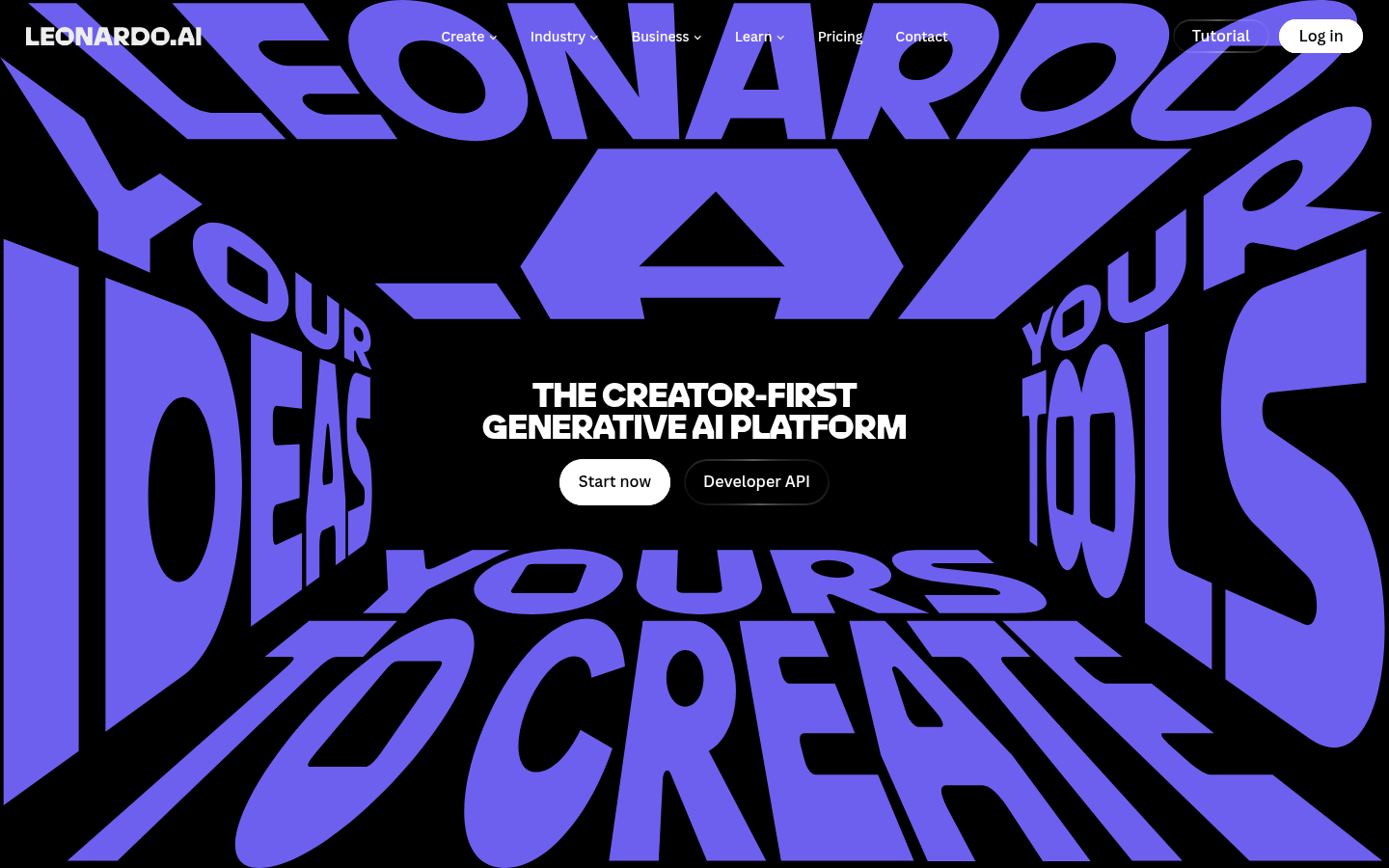
Leonardo AI
- Daily free token allowance is generous enough to run a full test session in one sitting
- Photorealistic and illustrative model range renders the cleanest bold linework of the four
- Built-in upscaler produces a higher-resolution export that is actually worth printing to show an artist
- Daily allowance resets and runs out fast if you iterate on the same design more than a few times
- Canvas-based editing takes more setup than a dedicated inpainting mode for small touch-ups
Best raw rendering quality of the four, though the daily free cap limits how many passes you get.
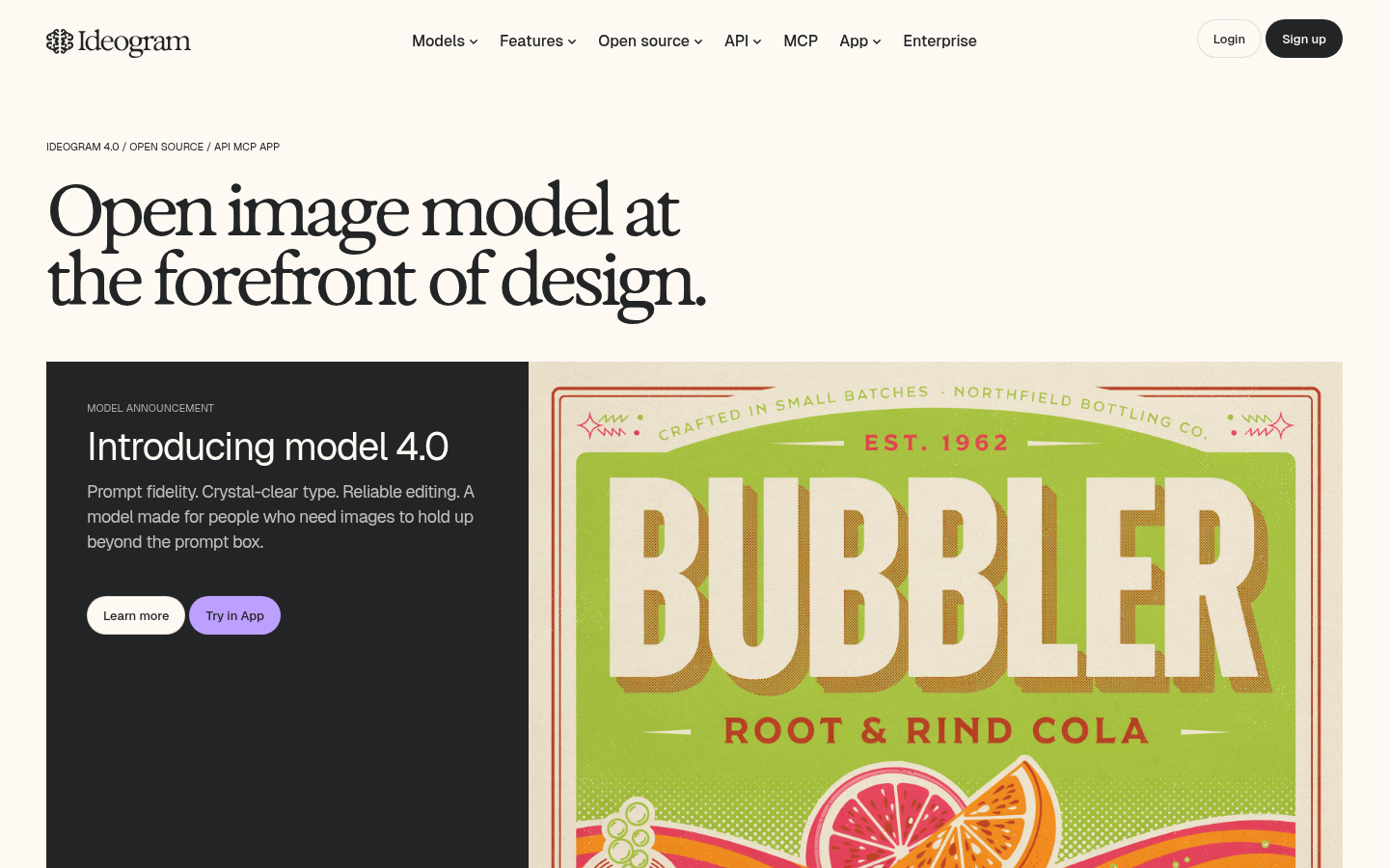
Ideogram
- Best of the four at rendering legible text and lettering directly inside a generated image
- Character-consistency tools keep a symbol or motif recognizable across a few variations
- Free tier needs no card, useful for one honest test before deciding to pay for anything
- Plain linework scenes without text lag behind Leonardo AI on shading and fill quality
- Daily free generation cap is tight if you want to compare several styles in one sitting
Reach for this one only when the design needs real lettering, otherwise Leonardo AI renders cleaner.
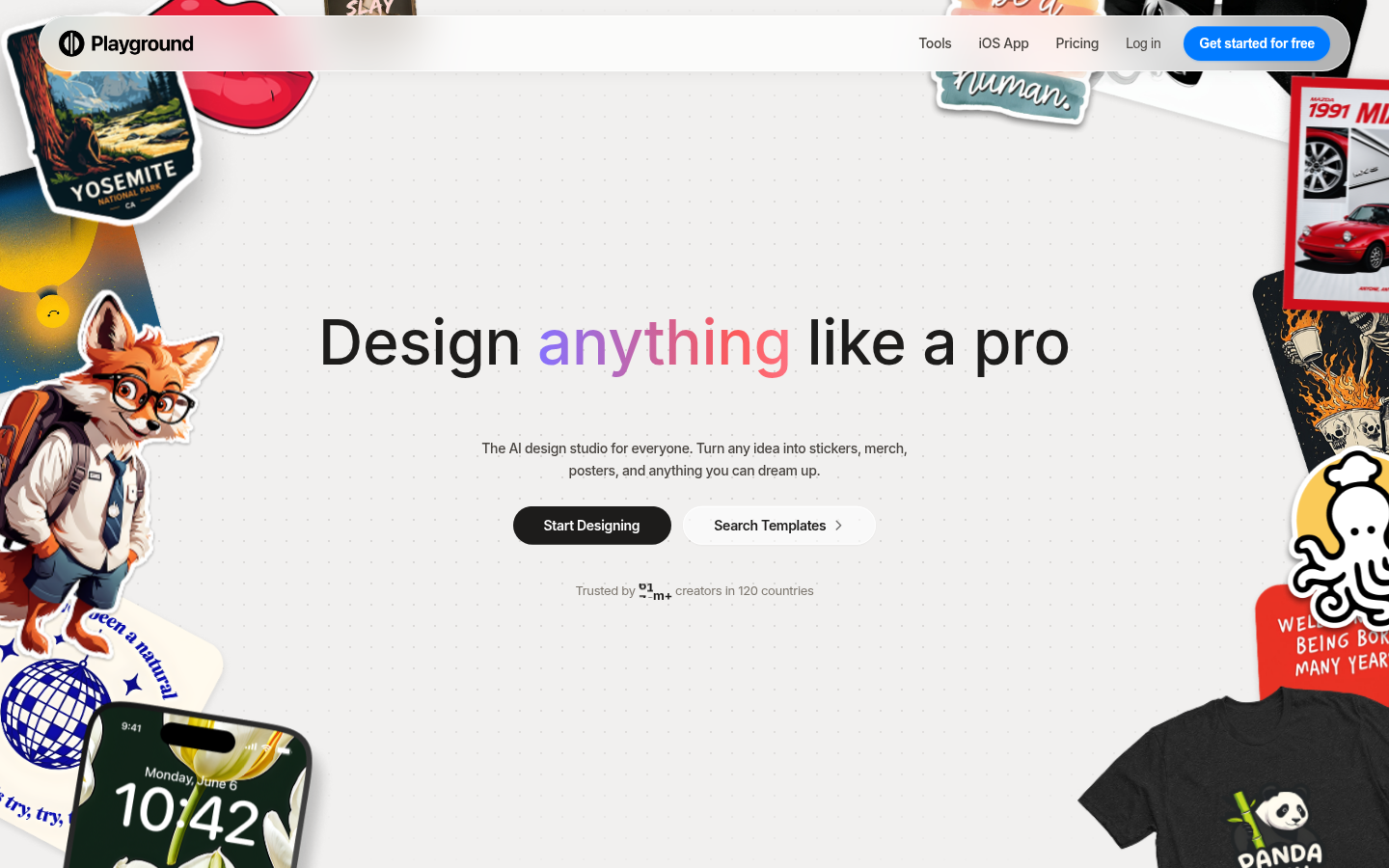
Playground AI
- Genuinely free entry point with no credit card required at any stage
- Template library makes it approachable if you have never touched an AI image tool before
- Bundles several underlying models behind one prompt box, so results vary in useful ways
- Leans toward design templates and merch printing more than freeform linework generation
- Free-tier resolution and generation volume are capped lower than Leonardo AI or OpenArt AI
Fastest to open and easiest for a first try, but not built for iterating on one specific design.
Verdict
OpenArt AI is the strongest free Midjourney alternative for sketching a tattoo idea because it is the only one of the four that keeps a style consistent across several sketches, which matters more than one lucky image when you are trying to brief an artist. Leonardo AI is the runner-up on raw linework quality, Ideogram wins when the design needs readable lettering, and Playground AI is the fastest to open for a first look. None of them draw the tattoo you will actually get. They just help you show up to a consultation with something clearer than a vague description.
How we tested
We picked the four AI image tools most commonly named as Midjourney substitutes in tattoo forums and subreddits, then ran the same test prompt, a small neo-traditional swallow with bold outlines and two-tone shading, through each tool's free tier. We checked, on each tool's own pricing page in early July 2026, whether a credit card was required, how many free generations were actually available, and what export resolution the free tier produced. The homepage screenshot for each tool is a real, unedited capture at 1440x900, not a marketing render. We specifically tested whether a tool could hold one style across five separate generations of the same idea, because a tattoo artist works from a coherent reference, not a pile of unrelated images, and that consistency, not raw prompt novelty, is what actually helps at a consultation.