Best Tattoo Design Apps in 2026, Tested and Ranked
Summary
Best tattoo design apps compared: BlackInk AI leads on toolkit depth (28 styles, stencils, cover-ups), InkHunter still owns live AR try-on, and Inke combines generation with an on-skin preview in one pass. We tested all six on the same brief, checked real paywalls against marketing headlines, and ranked them on price, style range, and preview accuracy so you can pick the right one before your next consultation.
Six AI tattoo design apps compared on pricing, style range, and preview accuracy, so you walk into your consultation with a design that actually works on your skin.
At-a-glance
| BlackInk AI | InkHunter | Inke | Ink Studio AI | TattoosAI | Canva AI Tattoo Generator | |
|---|---|---|---|---|---|---|
| Price | Free (limited) or $15/mo Pro, $72/yr | Free + IAP, $6.99 to $59.99 tiers | €9-€19 one-time, or €49/mo Parlour | 1 free gen, then $12.99-$23.99 one-time pass | $4.99-$14.99/mo, no ongoing free tier | Free tier, Canva Pro from $12.99/mo |
| Skin / Body Try-On | Photo-based, unlimited on Pro | Live AR through the camera | Photo-based, included in every plan | Photo-based, uses Premium credits | None, still in development | Manual only, layer it yourself |
| Style Range | 28 tattoo-specific styles | 10,000+ design gallery + AI | 10 styles, from real flash sheets | 11 styles with prompt templates | 18+ styles | 20+ general art presets, not tattoo-specific |
| Platform | Web | iPhone / iPad only | Web | Web | Web | Web + mobile app |
| Planning Tools | Stencil converter, gap filler, cost calculator | Design gallery, cover-up preview | Export kit for your artist, Parlour team tools | Size calculator, font generator, style transfer | None beyond generation | Full photo editor, background remover |
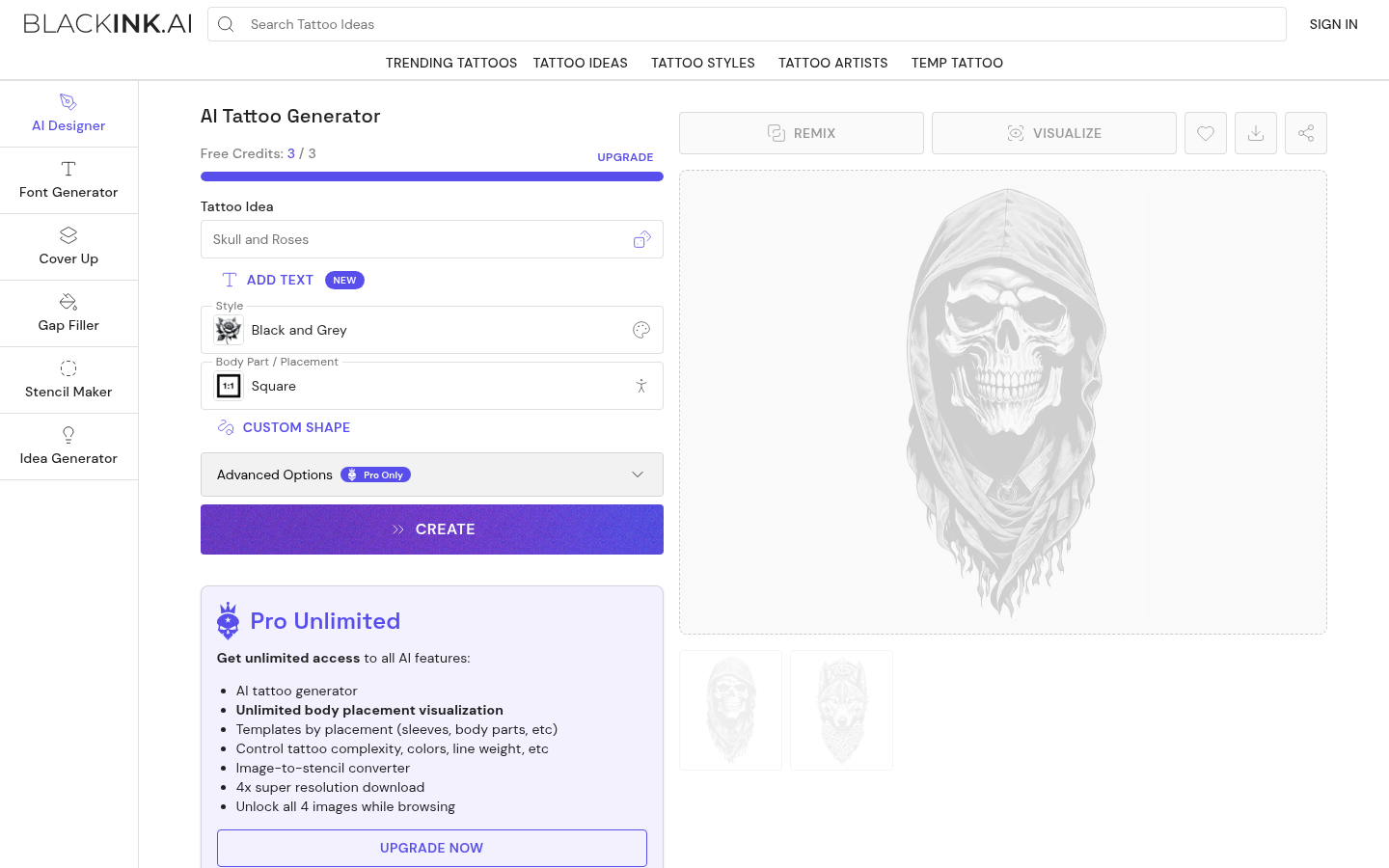
BlackInk AI
- 28 tattoo styles, including niche ones like ignorant and chicano
- Stencil converter turns a design into a print-ready stencil
- Coverup and gap-filler tool for extending old ink
- Unlimited body-placement preview once you're on Pro
- Free tier caps you at one placement preview and blurs most images
- Every free design is public and gets deleted after 30 days
- Full toolkit needs the $15/month Pro plan to unlock
The deepest toolkit here, but you pay to unlock most of it.
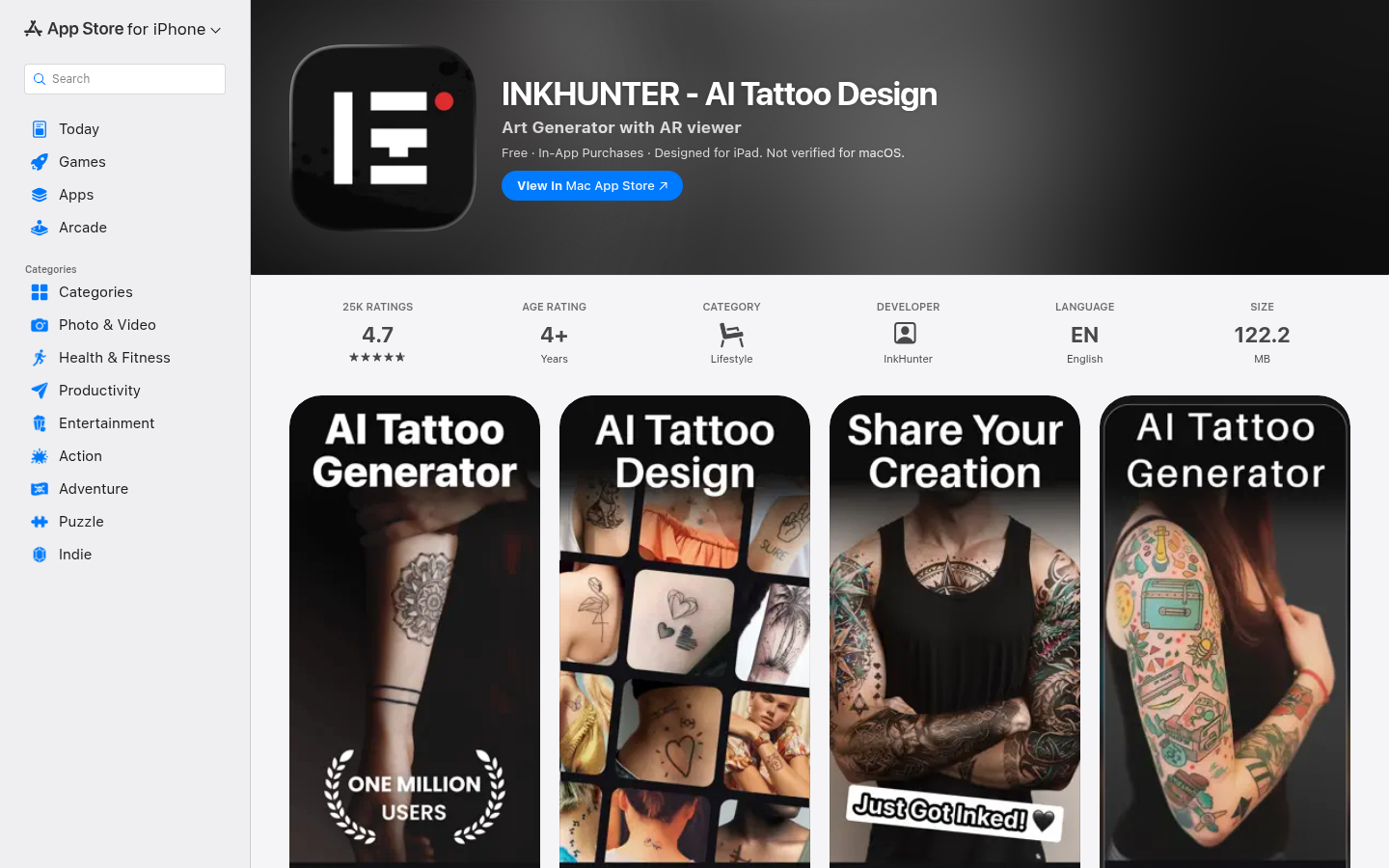
InkHunter
- Real-time AR tracks the tattoo on your skin through the camera
- 25,000+ App Store ratings at 4.7, the longest track record in this list
- Big existing design gallery on top of AI generation
- Used by working artists in client consultations, not just hobbyists
- Recent update removed editing controls the older AR-only version had
- Mobile only, no desktop or web version exists
- Weekly $6.99 subscription is easy to trigger by mistake in the paywall
Still the reference for live AR try-on, if you can live with the mobile-only paywall.
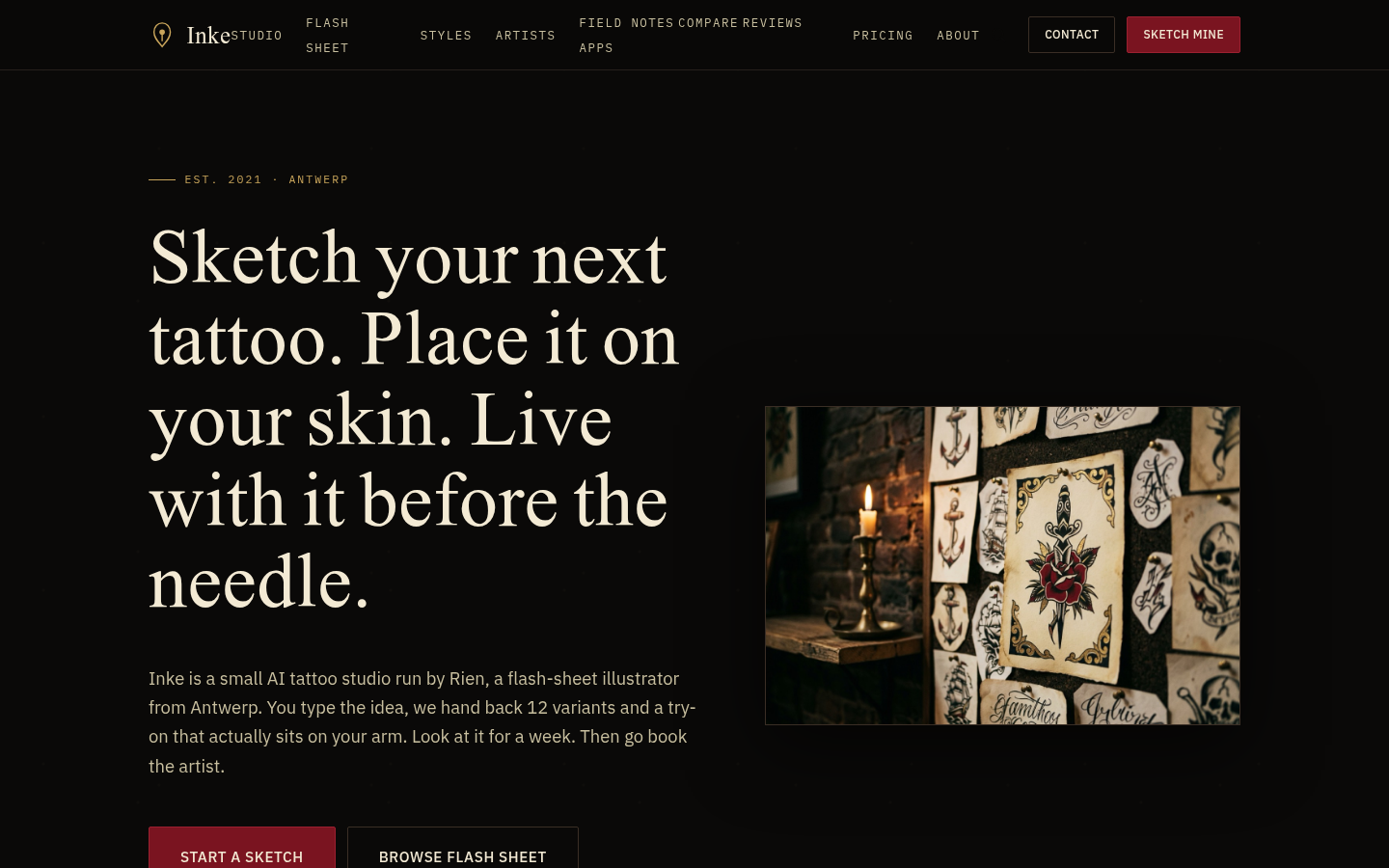
Inke
- Generates the flash sheet and the skin try-on in one flow, no app switching
- Trained on real flash sheets from a working tattooer, not stock art
- Skin photos are wiped within two hours, nothing kept or trained on
- Parlour plan gives shops a team workflow and artist-ready export
- One-time credit packs instead of a recurring free tier to browse first
- Smaller style range than the biggest generalist competitors
- No native mobile app, browser only for now
Built by a working tattooer for the exact question people ask before booking: what will this look like on me.
Ink Studio AI
- Bundles generation, image-to-tattoo, style transfer, and try-on in one pass
- Tattoo size calculator and font generator are genuinely useful extras
- One-time access pass instead of a subscription you forget to cancel
- Unlimited text generation while the pass stays active
- Premium credits for the image tools run out fast even on a paid pass
- Much smaller published user base than the category leaders
- No recurring free tier after your first generation
Good value for one intense weekend of planning, less so for ongoing browsing.
TattoosAI
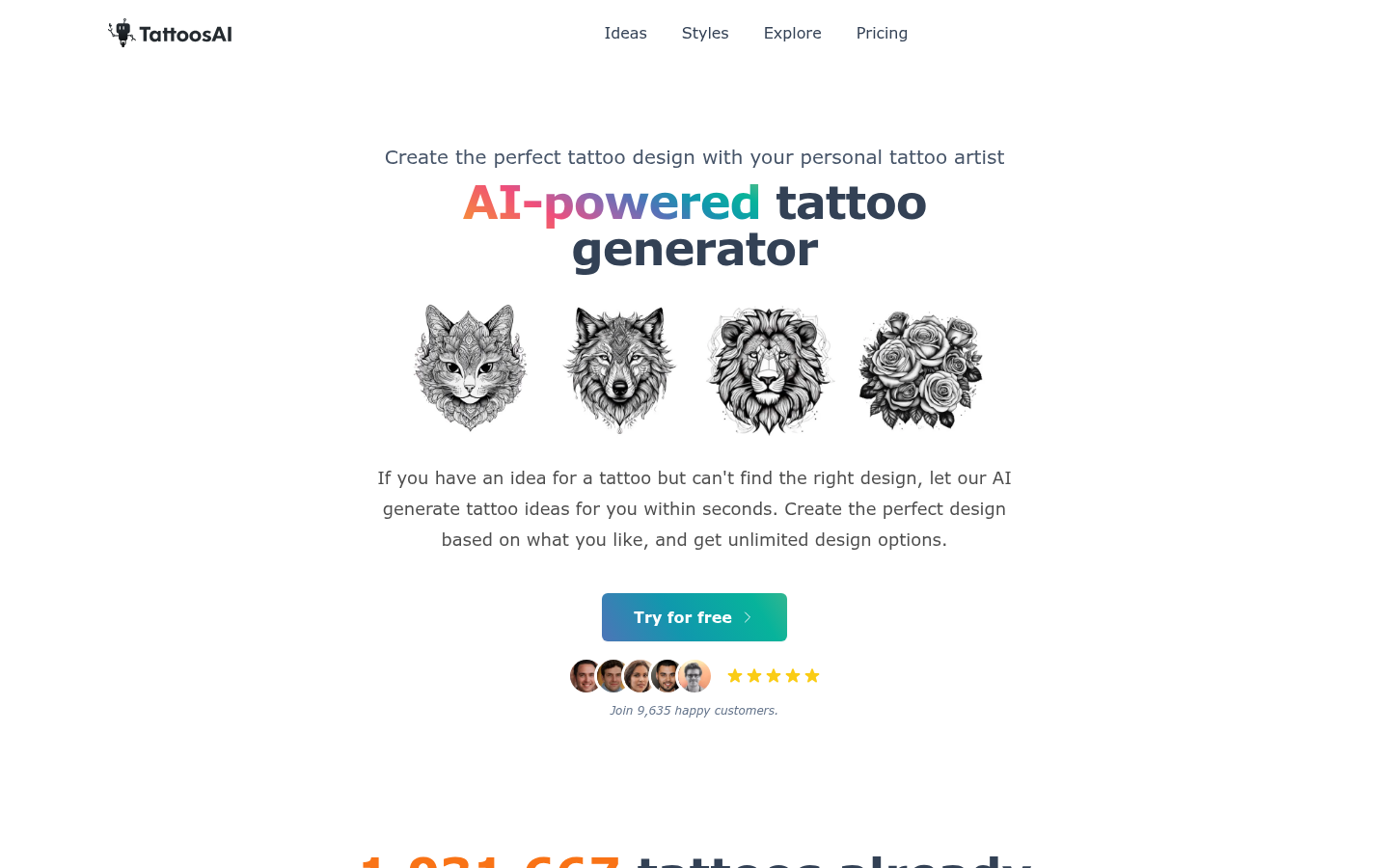
- Straightforward prompt-to-design flow across 18+ styles
- Unlimited designs on either paid plan with permanent cloud storage
- Over a million tattoos generated, a decent track record for a smaller tool
- No virtual try-on at all, the feature is still in development
- No ongoing free tier, you hit the paywall fast
- Fewer planning tools than BlackInk AI or Ink Studio AI
Does one thing, generation, reliably. Don't expect much past that.
Canva AI Tattoo Generator
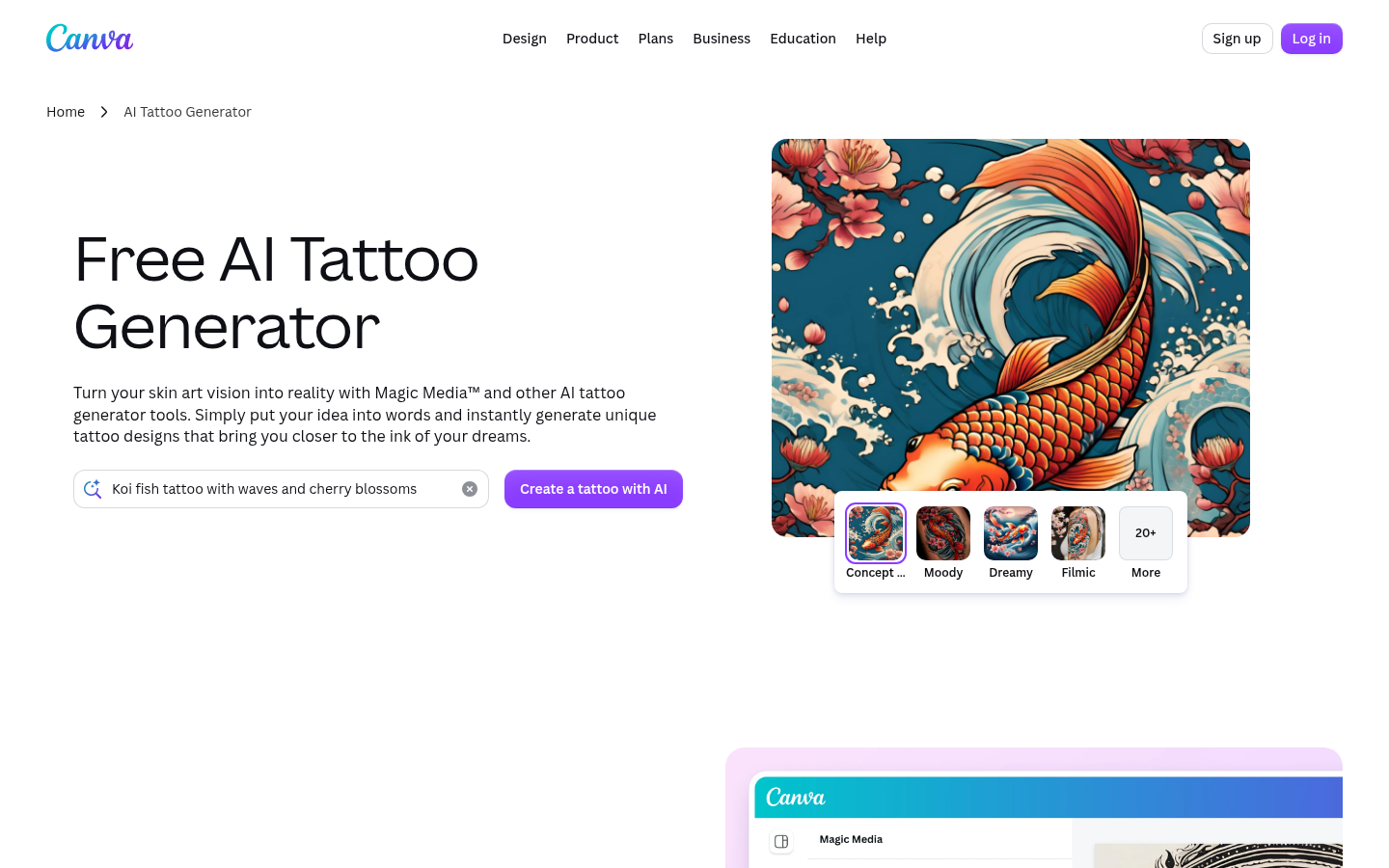
- Zero extra sign-up if you already have a Canva account
- Full photo-editing suite (Magic Edit, background remover) to refine output
- Millions of stock elements beyond what a tattoo-specific tool offers
- Generated images are cleared for personal or commercial use under Canva's terms
- Not tattoo-specific, no dedicated styles, stencil export, or placement engine
- No AI try-on, you have to layer a photo yourself with Background Remover
- Canva itself doesn't guarantee outputs are clear of copyright issues
Useful in a pinch, not built for tattoo planning specifically.
Verdict
BlackInk AI takes the top spot on sheer toolkit depth: stencils, cover-ups, and 28 styles behind one subscription. InkHunter is still the only one with true live AR, worth the mobile-only tradeoff if placement is your main question. Inke is the pick when you want generation and an on-skin preview from one upload, especially for shops running consultations. Whichever you pick, it drafts the idea. It doesn't replace the person holding the needle.
How we tested
We tested each app with the same brief on a fresh account: a forearm piece, one clear subject, one named style, then ten generated concepts. Where a skin or body preview existed, we ran it once with the same reference photo. We logged the actual paywall encountered during signup rather than the marketing headline, cross-checked published user and rating counts against what a new account shows, and read the most recent user reviews on each app's own store or site before writing a verdict. No AI tool in this list replaces an in-person consultation with a tattoo artist.
The best tattoo design apps right now split into two real jobs: generating the design and showing you how it sits on your own skin. BlackInk AI wins on raw toolkit (styles, stencils, cover-ups). InkHunter still owns live AR try-on. If you want both in one pass, that's where Inke and Ink Studio AI compete.
How we picked these six
We ran the same brief through every tool on a fresh account: a forearm piece, one subject, one named style, then ten generated concepts. Where a skin or body preview existed, we ran it once with the same reference photo. We logged the actual paywall (not the marketing headline), read the most recent user reviews on each store or site, and cross-checked published user counts against what a new signup actually shows.
The global tattoo market is projected to reach $2.66 billion in 2026, and most of that growth is showing up as more people trying to plan a design before they ever sit in a chair, which is exactly the gap these apps fill (or don't). Source: Fortune Business Insights.
Generation and try-on are two different products
Every tool here does text-to-design generation. Fewer than half do a real preview on a body. TattoosAI is explicit about it on their own FAQ: no try-on yet, still in development. Canva doesn't do it either, you'd have to fake it yourself with layers and a background remover.
The apps that do offer a preview split further. InkHunter tracks the design live through your camera, in augmented reality, so it moves with you. BlackInk AI, Ink Studio AI, and Inke work from a single uploaded photo instead: less flashy, but the result is a still image you can actually screenshot and send to your artist, which is what most people end up doing anyway.
If you're deciding between a placement on your ribs versus your forearm, live AR genuinely helps. If you already know the spot and want a clean reference image for a consultation, a photo-based preview does the job just as well and usually generates a sharper result.
Style range: more isn't automatically better
BlackInk AI leads on raw numbers, 28 styles including less common ones like ignorant and chicano. TattoosAI covers 18+, broad but generic labels (watercolor, tribal, cartoon). Ink Studio AI sits around 11, but pairs each with a written prompt template that actually explains what makes that style work. Inke covers 10, all pulled from real flash sheets rather than a scraped style list, and includes irezumi and botanical, styles that show up less often in the bigger generalist tools.
Canva's "20+ styles" aren't tattoo styles at all, they're general art style presets (moody, dreamy, filmic) borrowed from its main image generator. Useful for a mood board, not for briefing an artist on technique.
More styles matter if you don't know what you want yet. A shorter, curated list matters more once you do, because you spend less time filtering results that don't apply to tattooing at all.
What these apps actually cost
Free tiers are the marketing headline, paid tiers are where the real comparison happens:
BlackInk AI's free plan gives you one placement preview and blurs most images. Unlocking everything is $15/month, or $72/year if you commit upfront.
InkHunter is free to install, but in-app purchases run from $6.99 up to $59.99 depending on the tier, and the weekly $6.99 option is easy to trigger by accident through the paywall prompts.
Inke skips subscriptions for casual use: a single idea with 12 variants and 3 try-ons is a one-time €9, a full session is €19. The €49/month Parlour tier is built for shops running client consultations, not individual buyers.
Ink Studio AI sells time-boxed access passes ($12.99 to $23.99) instead of a subscription, useful if you only need the tool for one weekend of planning.
TattoosAI is a straight subscription, $14.99/month or $4.99/month if you commit annually, with no ongoing free tier past your first exploration.
Canva is effectively free if you already pay for Canva Pro ($12.99/month) for other reasons. Standalone, it's not worth the subscription just for tattoo concepts.
None of these prices beat "free" in an absolute sense. What matters is matching the pricing model to how often you'll actually use the tool: one-time passes for a single planning session, subscriptions for ongoing browsing.
Do tattoo artists actually use any of this?
Some of it, yes, in specific ways. InkHunter's reviews include working artists using the AR preview to show clients how a piece will read on their actual body before committing to a stencil. BlackInk AI's coverup and gap-filler tools solve a real studio problem: extending or hiding existing work without starting from a blank page. Inke's Parlour tier exists because studios wanted a way to hand clients several directions fast without an illustrator sketching each one by hand.
None of it replaces the actual tattoo consultation. An AI concept doesn't account for how a design ages on skin, how line weight holds up over ten years, or whether a composition actually works once it's wrapping around a real arm instead of sitting flat on a screen. Every app in this list is a drafting tool. The needle work still needs a person who's done it thousands of times.
The one thing none of these apps will tell you
If your idea touches Polynesian, Maori, Yakuza, or other culturally specific imagery, none of these generators will flag it, filter it, or explain what the symbols actually mean. They'll happily generate a design that borrows a sacred pattern with zero context. That's on you to research before you brief your artist, an AI tool won't do that homework for you.
Bottom line
Pick based on what you actually need next. Planning a full session with stencils and cover-up options: BlackInk AI. Deciding on placement in real time: InkHunter. Want the design and the on-skin preview from one upload, especially if you're a shop running consultations: Inke. Everything else on this list is a solid runner-up for a narrower use case, not a reason to skip the three leaders above.